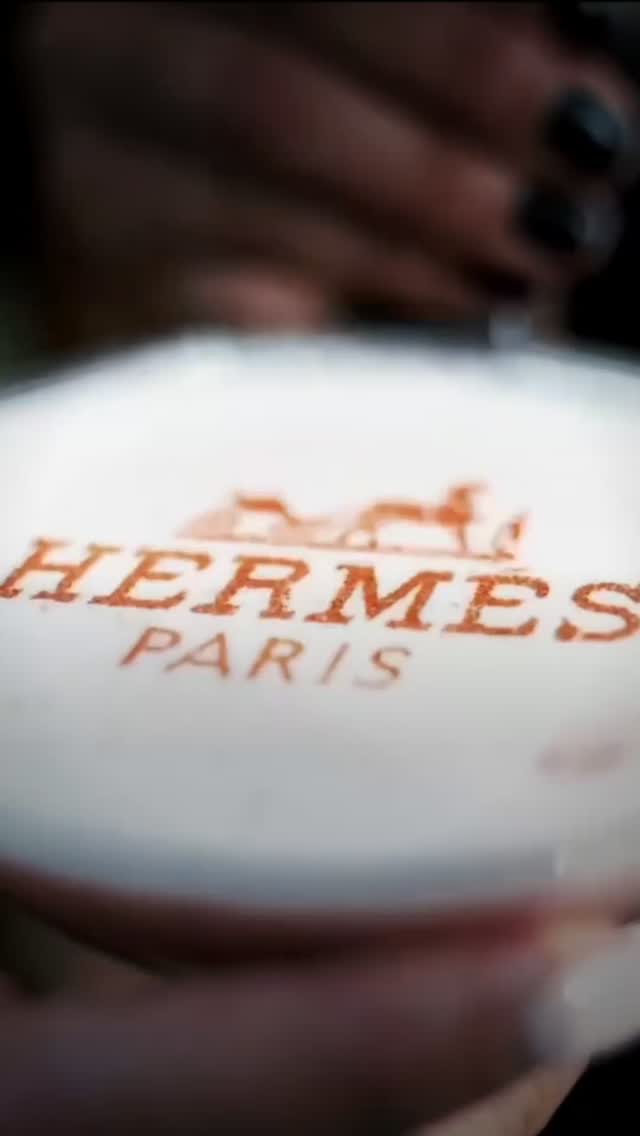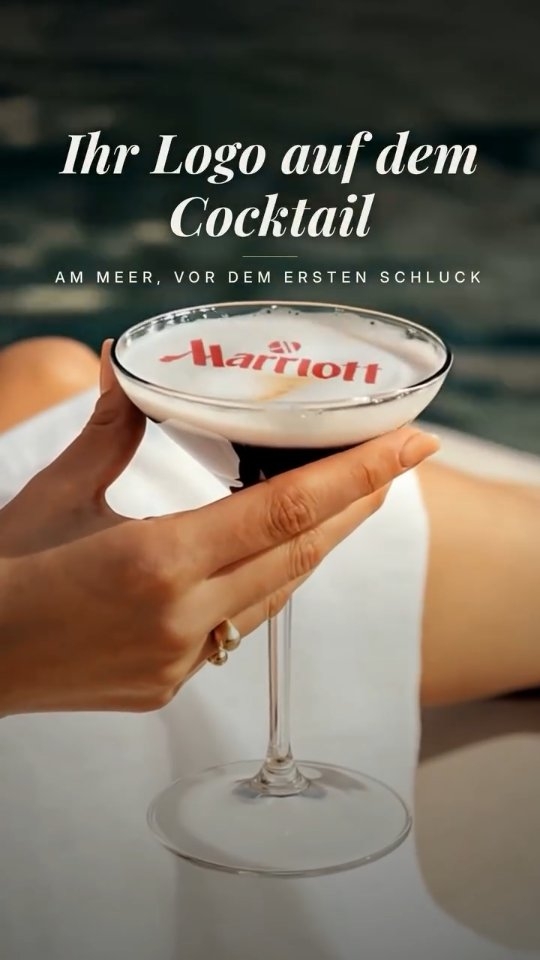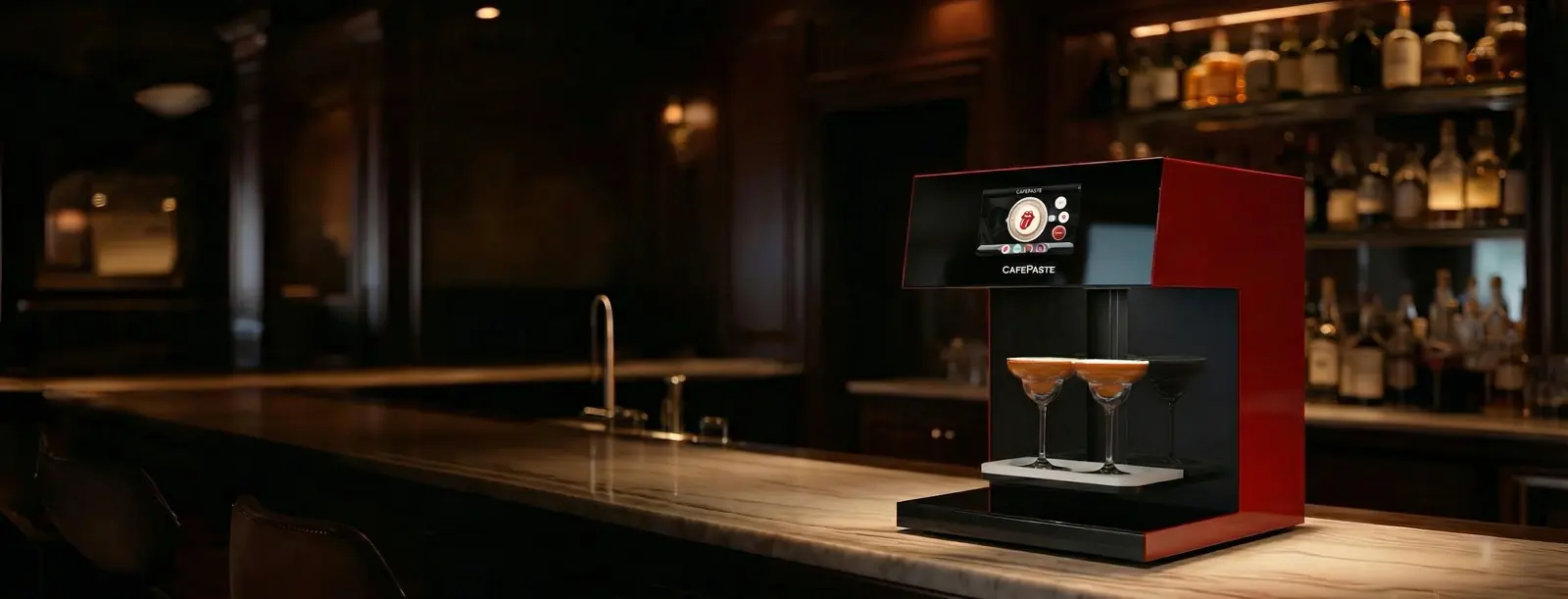
A latte art printer is a device that applies designs, logos, photos and text to the foam of a coffee using food-safe edible ink. It automates what a barista would otherwise draw by hand, so images repeat exactly and can change with every cup. Cafés, restaurants, hotels and event caterers use latte printers for branding and personal touches.
What does a latte art printer do?
A latte printer takes a digital image and places fine drops of edible ink across the foam of a drink. The result is a picture that a guest can see, photograph and then drink. Because the image is digital, a café can print its logo on a hundred cups in a row, then switch to a customer's photo on the next one. For the mechanics, step by step, read our guide on how latte art printing works.
You will see several names for the same kind of machine: latte printer, coffee latte printer, coffee printer and latte art printer. The names can differ by seller, so judge a device by what it does. Check which drinks it supports, how long each cup takes, and whether it offers color, brown tones or both. Searches for "latteprint" or "printed latte art" usually refer to the result on the cup rather than to the device itself.
How is a latte printer different from hand-poured latte art?
| Hand-poured latte art | Latte art printer | |
|---|---|---|
| Made by | A trained barista pouring milk | A device applying edible ink |
| Typical designs | Hearts, tulips, rosettas | Photos, logos, text, any digital image |
| Consistency | Varies by barista and by cup | Repeats the same image |
| Personalisation | Limited to what can be poured | Different image for each guest if needed |
| Skill needed | Practice over time | Trained staff; foam quality still matters |
| Best for | Showing craft | Branding, guest photos, messages |
Many cafés keep both. A printer does not replace a good barista, because the image is only as good as the foam beneath it. It adds things that a pour cannot do, such as a logo or a guest's face.
Who uses latte art printers?
- Cafés and coffee shops: paid personalisation, seasonal designs and a logo on each cup.
- Restaurants: a finishing touch for the coffee course, or for birthdays and celebrations.
- Hotels and resorts: guest names and the hotel's logo at breakfast and in the lobby.
- Event caterers: guest photos, wedding monograms and sponsor logos at bookings.
- Specialty beverage sellers: art on cold foamed drinks, and on cocktails and mocktails with a foam or cream layer.
What should you check before buying a latte printer?
Specification sheets can be hard to compare. These are the points that make a practical difference in daily use, with CAFEPASTE figures as a reference. Ask each manufacturer for the same information.
| Check | Why it matters | CAFEPASTE figure |
|---|---|---|
| Art time per cup | Decides whether it keeps up during a rush | Pro ~10 s, Lite ~15 s |
| Cups at once | Helps with group orders | Pro 2, Lite 1 |
| Resolution | Affects faces and small text | 1200 DPI |
| Color modes | Affects logos and the coffee-toned look | Full color (CMYK) and classic brown |
| Cup range | Decides which cups you can use | 5–18 cm |
| Consumable life | Matters at low volumes | Pod: 2 weeks after opening, 6 months sealed |
| Connection needs | Matters in venues with poor signal | Works fully offline |
| Warranty | Protects your purchase | 2 years |
The latte art printer for cafés page shows how these points look on the CAFEPASTE models.
Is the ink safe?
Latte art printers made for drinks use food-safe edible ink, since it is drunk along with the coffee. Our entry on edible ink explains the term. CAFEPASTE product and ink documentation is available to buyers on request. The buyer should check it against the food rules in their own country, because these differ from place to place.
How is CAFEPASTE different from a basic latte art printer?
CAFEPASTE calls its product a Beverage Art Creator because it covers more than coffee foam. The same device offers full color (CMYK) and natural coffee-based classic brown. It also works on cold foamed drinks, beer foam, and cocktails and mocktails with a foam or cream layer. The Pro model adds art on cakes and pastries up to 12 cm and handles 2 cups at once.
The device measures 45 × 45 × 45 cm and weighs 15 kg, and it has a 7″ screen. Images arrive by QR code or phone, so guests can send their own photos. Installation, staff training and support are remote and included, so no technician visit is needed. CAFEPASTE was founded in 2019, has its headquarters in San Francisco, and works with 500+ businesses across 30+ countries.
What does a latte printer cost?
The price depends on the model, the features you need, your country, and how many Pods you will use, so it is best confirmed with an offer for your own market. Before you ask for one, gather three numbers: how many suitable drinks you sell per day, how many of those guests might want art, and what you could charge for it. Those figures tell you far more about the return on the device than any general example.
KEY TAKEAWAYS
- A latte art printer applies images to foam with food-safe edible ink, without touching the drink.
- It complements a barista's skill: foam quality still decides how good the image looks.
- Compare art time, cups at once, resolution, color modes, cup range and consumable life.
- CAFEPASTE takes ~10 s on Pro and ~15 s on Lite, at 1200 DPI, with a 2-year warranty.
- Check ink documentation against your local food rules.
Frequently Asked Questions
Frequently Asked Questions
- What is a latte art printer?
- A latte art printer is a device that applies designs, logos, photos and text to coffee foam using food-safe edible ink. It places the image in seconds without touching the drink. Cafés, hotels and event caterers are the most common users.
- Is a latte art printer food-safe?
- Latte art printers made for drinks use food-safe edible ink. CAFEPASTE product and ink documentation is available to buyers on request. Buyers should check that documentation against the food rules in their own country.
- How does a latte art printer differ from manual latte art?
- Manual latte art is poured by a barista and varies from cup to cup. A latte art printer applies a digital image quickly and consistently, and can reproduce logos and faces. Many cafés use both, because the printed image still needs good foam.
- Can a latte art printer create custom designs?
- Yes. A CAFEPASTE device accepts images by QR code or phone, so staff or guests can send their own photos, logos or text. Designs with a clear subject and strong contrast usually look best on foam.
- How long does a latte art printer take per cup?
- A CAFEPASTE device takes about 10 seconds per cup on Pro and about 15 seconds on Lite. Pro can also handle 2 cups at once. Other brands should be checked directly with the manufacturer.
- Which drinks work with a latte printer?
- Lattes, cappuccinos and flat whites are the classic choice, because they have a smooth layer of milk foam. Cold foamed drinks, beer foam, and cocktails or mocktails with a foam or cream layer can also work. A latte printer does not print on the outside of cups.
- Is a latte printer hard to set up?
- A CAFEPASTE device needs no technician visit, because installation and staff training are remote and included. It sets height and centring automatically for each cup. It also works fully offline, so service does not depend on your connection.