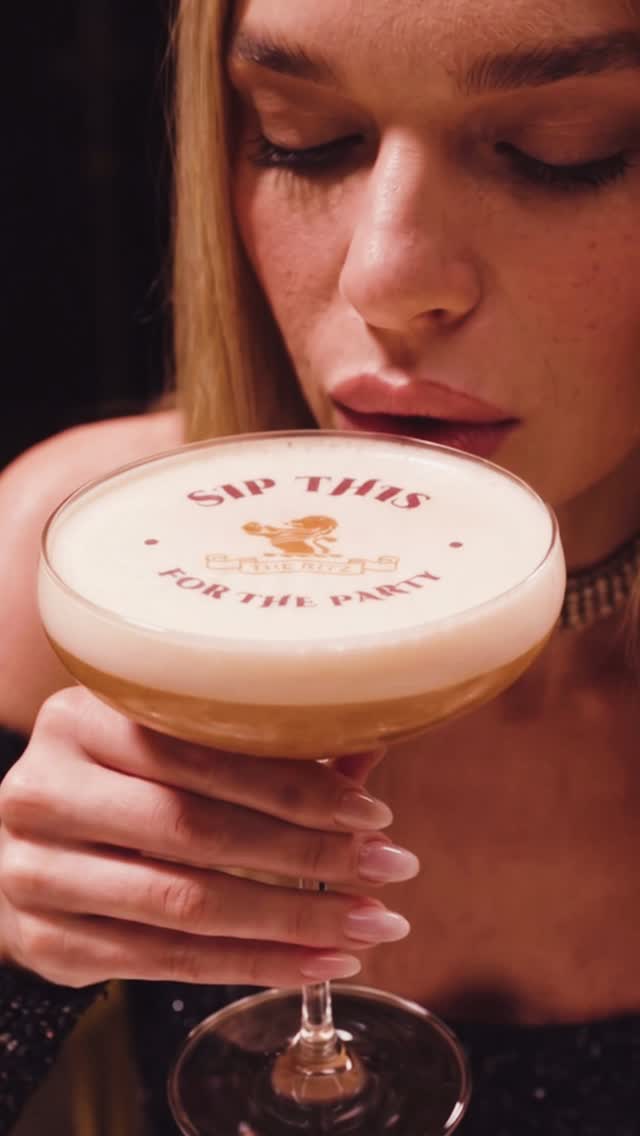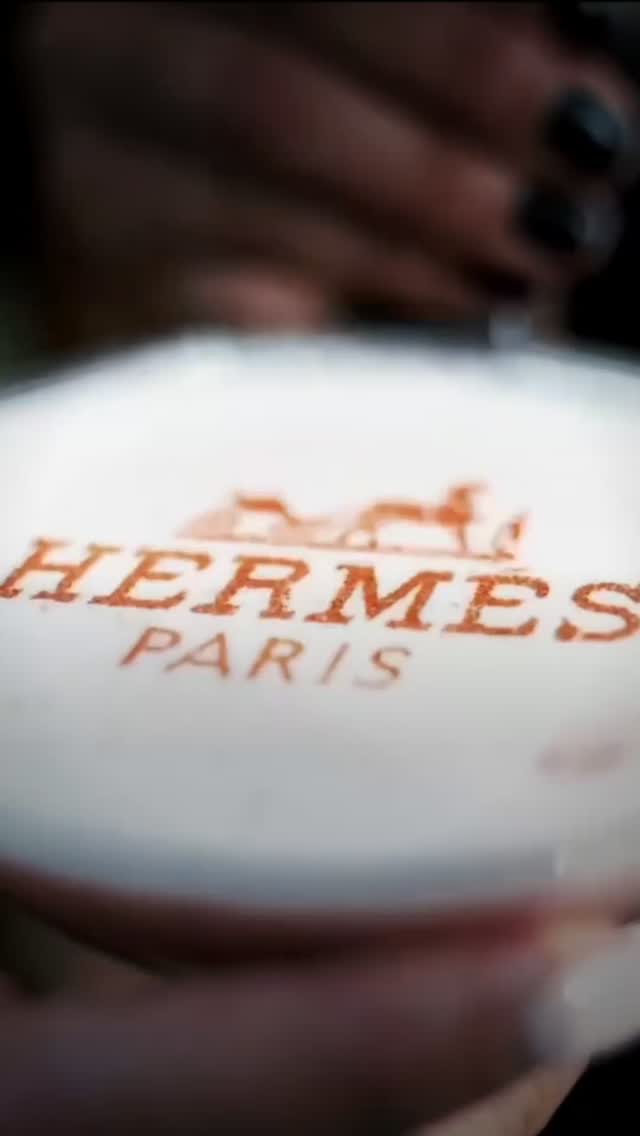
A latte print is a photo, logo or line of text applied to the milk foam of a drink with food-safe edible ink. A dedicated device reads the image, finds the cup, and places fine droplets on the foam in about 10 to 15 seconds, depending on the model. The barista prepares the drink as usual, and the device adds the image.
What is a latte print?
A latte print is an image that sits on top of a milky coffee and is meant to be drunk with it. It can be a guest's photo, a company logo, a birthday message or a seasonal illustration. Searchers also write it as "latteprint" or "printed latte art"; all of these describe the same thing.
The term covers the result. The equipment is usually called a latte art printer or coffee printer. Cafés, hotels, event companies and brands use one when they want the same image on every cup, or a different personal image on each cup, without asking a barista to draw it.
How does a latte art printer put an image on foam?
The process has five steps, and only the first is a barista skill. On a CAFEPASTE device the whole printing part runs automatically once the cup is in place.
Prepare the drink
Make the latte or cappuccino as normal and finish with a smooth, even layer of foam. Bubbles and large holes will show in the image.
Send the image
Staff or guests send a photo or logo by scanning a QR code or using a phone. Simple artwork with clear contrast gives the cleanest result.
Place the cup
Set the cup in the device. Cup heights from 5 to 18 cm are accepted, and CAFEPASTE sets the height and centring automatically, so staff do not need to line anything up by eye.
Start the art
Staff start the job from the 7″ screen. Nozzles place tiny drops of edible ink across the foam, line by line, without touching the drink.
Serve straight away
Art time is ~10 s on Pro and ~15 s on Lite. Hand the drink over promptly, because foam keeps changing as it sits and the image changes with it.
What parts does a latte art printer have?
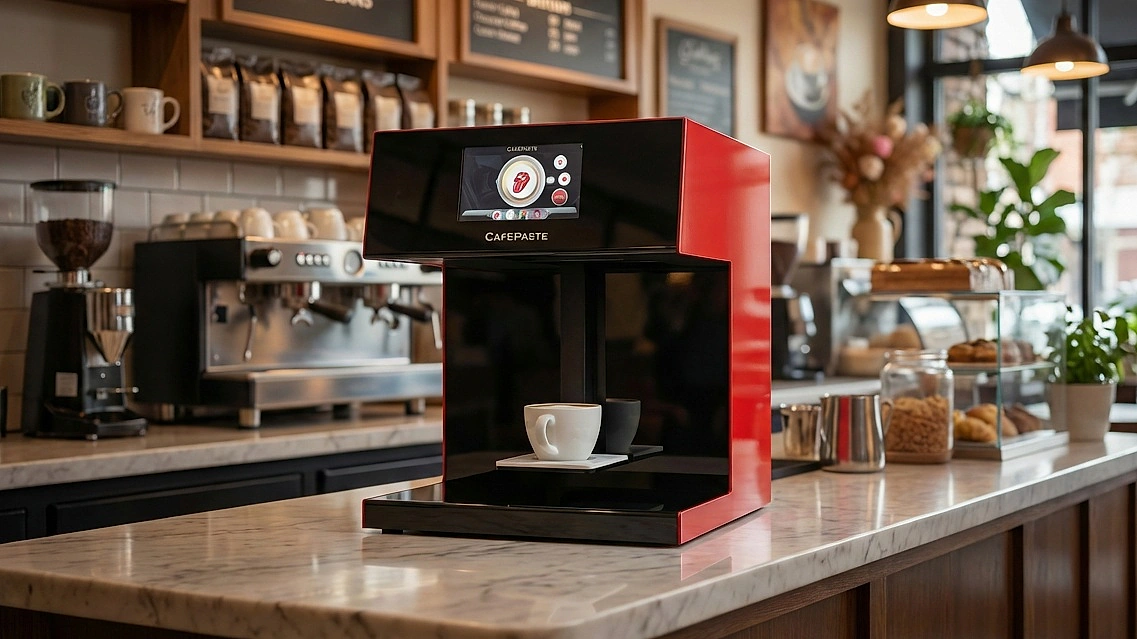
- Body and art area: holds the mechanics and the space where the cup sits. The CAFEPASTE device measures 45 × 45 × 45 cm and weighs 15 kg, so plan counter space for it.
- Pod: the consumable that holds the food-safe edible ink. A CAFEPASTE Pod lasts 2 weeks after opening and 6 months sealed.
- Height and centring system: positions the print head correctly for each cup.
- Screen: a 7″ display for operating the device and starting each job.
- Image input: QR code or phone, so staff and guests can send pictures without a computer.
The ink deserves its own check because it goes into a drink. Our edible ink explainer covers how it differs from office ink. CAFEPASTE product and ink documentation is available to buyers on request, and buyers should check it against their local food rules.
What makes a latte print sharp or blurry?
A soft print often comes from the drink or the image rather than the device. If yours look soft, work through these in order.
| Factor | What helps | What hurts |
|---|---|---|
| Foam texture | Fine, glossy microfoam with no visible bubbles | Large bubbles, thin foam, a broken surface |
| Timing | Printing soon after pouring and serving soon after printing | Leaving the drink to stand before or after the art |
| Source image | A clear subject with strong contrast | Dark, busy or low-resolution photos |
| Text | Short words in a large, plain typeface | Long sentences and thin lettering |
| Color mode | Classic brown for a coffee-toned look; CMYK for logos with set colors | Choosing a color mode without testing it on your own foam |
Which drinks can take a latte print?
Any drink with a suitable foam or cream layer can work. That includes lattes, cappuccinos, flat whites, cold foamed drinks, beer with a foam head, and cocktails or mocktails with a foam or cream top. A drink with no such layer gives the ink nothing to sit on, and the outside of a cup is not a printing surface for this kind of device.
CAFEPASTE Pro can also apply art to cake and pastry surfaces up to 12 cm and handle 2 cups at once. Lite works one cup at a time. Our Pro vs Lite decision guide goes through which one fits which kind of venue.
How is a latte print different from hand-poured latte art?
They do different jobs, and many cafés keep both. Hand-poured art shows a barista's skill and varies from cup to cup. A latte print repeats exactly and can show things a pour cannot, such as a face, a logo or a name. A new team member can produce it after training, which matters at busy times or when staff change. It does not replace good espresso or well-steamed milk, because the print sits on whatever foam the barista has made.
What does it take to set up and run one?
Installation, staff training and support for CAFEPASTE are remote and included, and no technician visit is needed. The device works fully offline, so a weak connection at the venue does not stop service. The routine after that is short: keep the device clean, keep an eye on Pod dates, and check the first few cups of the day.
Because an opened Pod lasts 2 weeks, it is worth estimating how many decorated drinks you will serve in that window. That number, along with the model and your market, shapes the conversation about running costs.
KEY TAKEAWAYS
- A latte print is edible ink placed on milk foam by precise nozzles, without touching the drink.
- CAFEPASTE takes ~10 s per cup on Pro and ~15 s on Lite, at 1200 DPI.
- Foam quality and image choice cause most blurry results, so fix those first.
- It works on foam or cream layers, including cold foam, beer foam and foamed cocktails, but not on the outside of cups.
- CAFEPASTE setup and training are remote and included, and the device works fully offline.
Frequently Asked Questions
Frequently Asked Questions
- How long does a latte print take?
- On a CAFEPASTE device, art time is about 10 seconds per cup on Pro and about 15 seconds on Lite. Pro can also work on 2 cups at once. Allow a little more time for sending the image and placing the cup.
- Is the ink in a latte print safe to drink?
- Latte art printers made for drinks use food-safe edible ink, not office ink. CAFEPASTE product and ink documentation is available to buyers on request. Buyers should check that documentation against the food rules in their own country.
- Can I print my own photos and logos on a latte?
- Yes. With CAFEPASTE, images reach the device by QR code or phone, so staff or guests can send their own pictures. Images with a clear subject and strong contrast give the best result on foam.
- Why does my latte print look blurry?
- The most common causes are coarse foam, a drink that has stood too long, or a dark and busy source image. Try a smoother foam, print and serve sooner, and use a simpler picture. Testing one image on your own drinks shows quickly which factor is responsible.
- Which drinks work for latte art printing?
- Drinks with a suitable foam or cream layer work, such as lattes, cappuccinos and flat whites. Cold foamed drinks, beer foam, and cocktails or mocktails with a foam or cream layer are also suitable. A latte art printer does not print on the outside of cups.
- Do staff need technical skills to run a latte art printer?
- No special technical background is needed. CAFEPASTE sets the height and centring automatically and staff operate it from a 7-inch screen. Remote installation, training and support are included with the device.
- Does a latte art printer need an internet connection?
- A CAFEPASTE device works fully offline, so service does not depend on the venue's connection. That is useful at events and in locations with unreliable internet. Check how you plan to send images during your remote setup.
- What is the difference between a latte print and latte art?
- Traditional latte art is drawn by a barista by pouring milk, so every cup differs. A latte print is applied by a device and can reproduce photos, logos and text precisely. Many cafés offer both, since the print still relies on good foam from the barista.