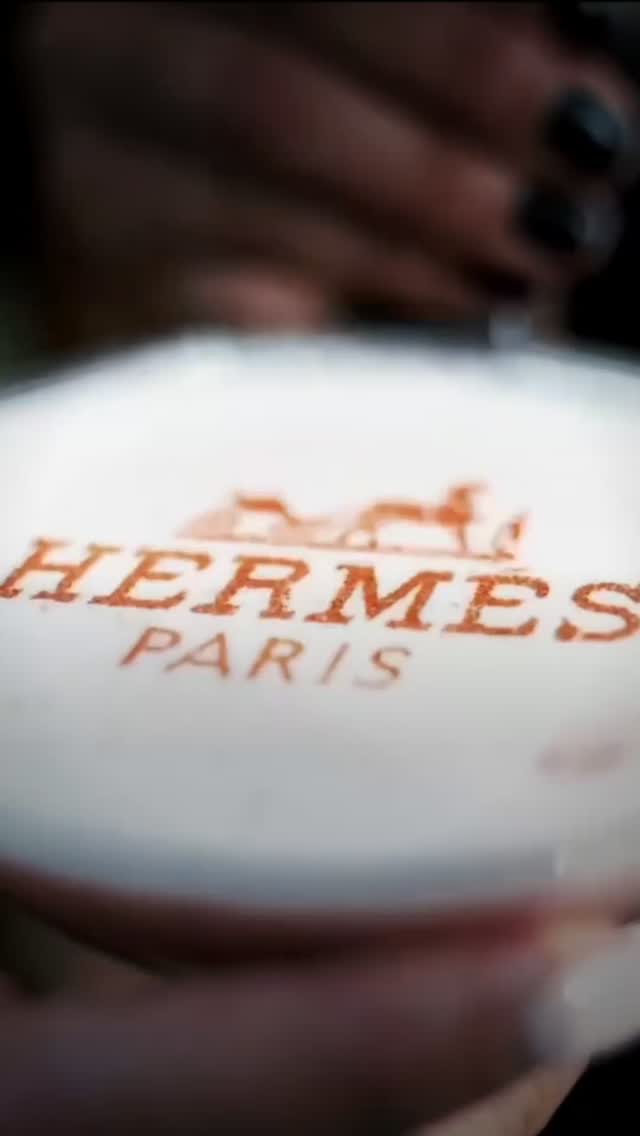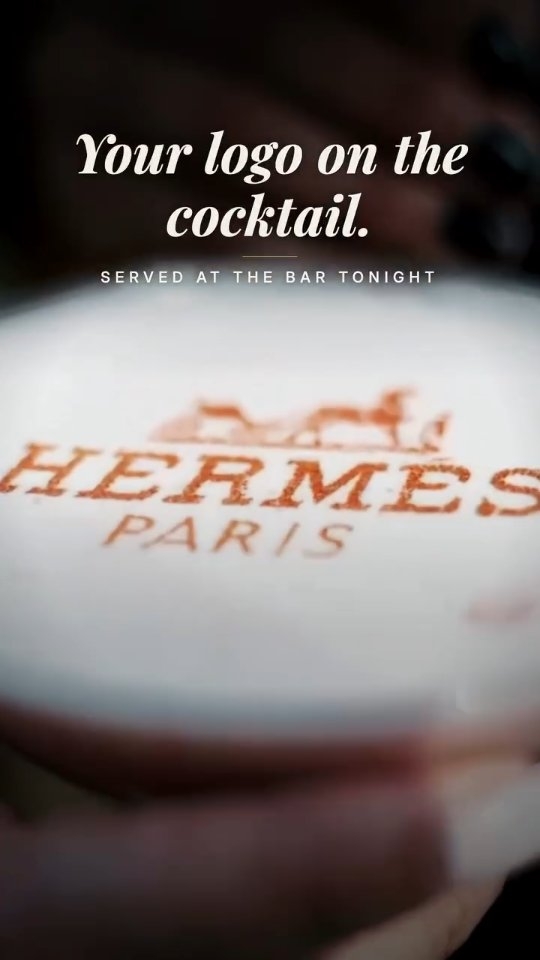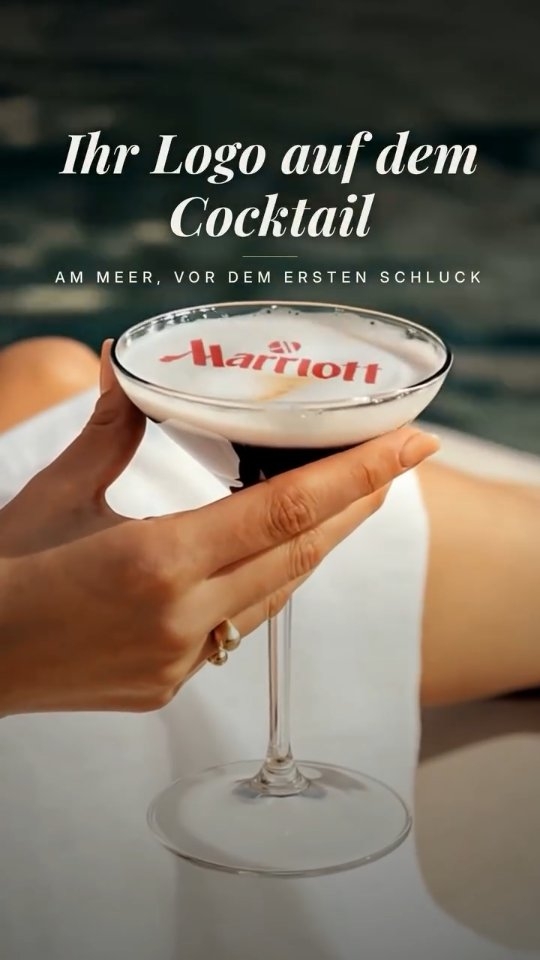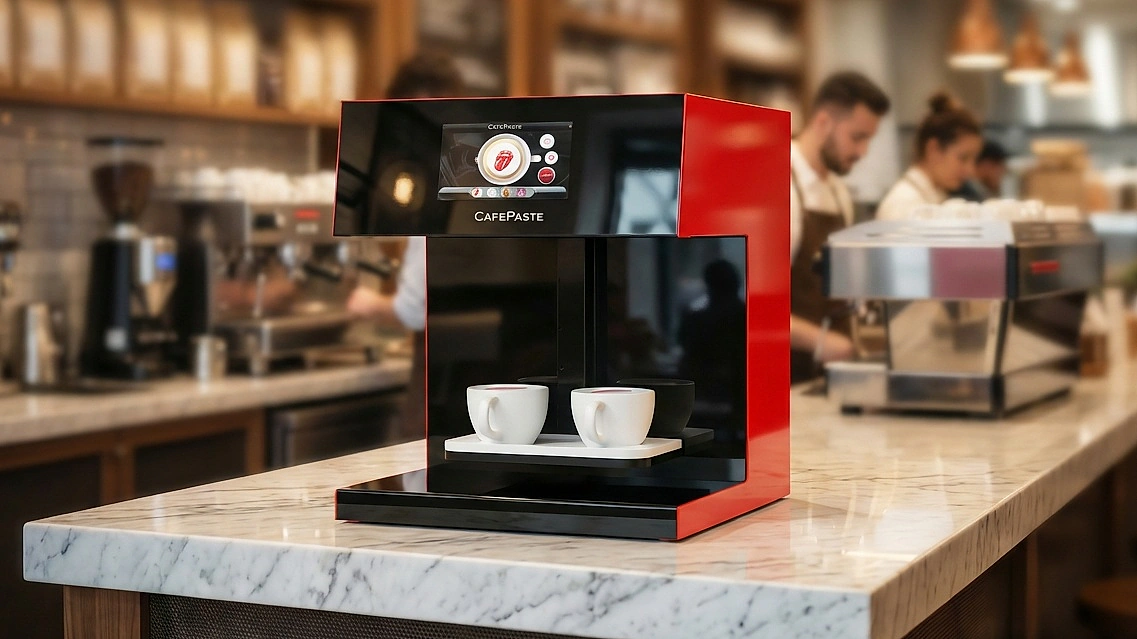
Coffee works at a product activation because people will gladly wait for it, and that wait gives your staff time to talk. Printing a logo, campaign image or guest photo on the foam turns the drink into something branded and worth photographing. A successful plan rests on three decisions: the image flow, realistic throughput and what guests will capture.
Why serve coffee at a product activation?
A drink gives visitors a reason to stop, and a short wait in which they are willing to listen. It also lasts beyond the moment, because guests carry a branded cup around the venue. Printing adds the brand to the drink itself, rather than only to a napkin or backdrop.
Typical uses include launches, retail openings, press days, sponsor lounges and sampling tours. A beverage art creator sits beside the coffee setup and prints on the finished drink. It does not make espresso, steam milk or replace an espresso machine, so your plan still needs a machine and someone able to run it.
Should you print a logo or guest photos?
It depends on your goal. A logo is quick and keeps the message under your control. A guest photo takes more time, yet it gives each person a more personal reason to share. One workable plan is to run a logo as the default and offer photos at quieter moments.
| Decision | Logo or campaign image | Guest photo |
|---|---|---|
| Good for | High footfall, brand recall, press moments | Dwell time, personal sharing, smaller guest lists |
| Flow at the counter | Staff select the prepared image | Guest sends an image by QR code or phone |
| Main risk | Fine detail lost at cup scale | Queues while guests choose a picture |
| Preparation | A simple, high-contrast file tested on foam | Clear signage, cropping guidance and a privacy approach |
| Likely content | Consistent branded shots | Guests posting their own faces and reactions |
For artwork, simplify before the event. Remove thin lines and small print, and check brand colors on real foam, because a printed color on foam may not match your exact brand reference. If you want a monochrome look, natural coffee-based classic brown is available as well as full color. See how to print a logo on a latte for artwork details.
How do you plan throughput for an activation?
Do not plan from art time alone. Art time is about 10 seconds per cup on CAFEPASTE Pro and about 15 seconds on CAFEPASTE Lite, but a guest's real wait also includes taking the order, pulling the shot, steaming milk, printing and handing over. Pro can take 2 cups at once, which helps when drinks arrive in pairs.
Estimate demand
Start from your expected guests, the share likely to want a drink and the busiest hour of the event, such as just after a keynote.
Time one full cycle
With your actual crew and equipment, time several drinks from order to handover. Use the average, not your fastest cup.
Calculate hourly capacity
Divide 3,600 by your cycle time in seconds, and multiply by the number of service lines. Then compare that with peak demand.
Close the gap
If demand exceeds capacity, add a line, narrow the menu or use a logo-only rule at peak.
What should the guest flow look like?
- Invite: a clear sign says what the guest gets, such as your photo on a free coffee.
- Choose: a guest scans a QR code to send a photo, or picks from the prepared designs.
- Prepare: the barista pulls the drink and pours a level foam surface.
- Print: staff place the cup, and the device sets height and centring automatically.
- Talk: a brand host uses the wait for one useful question or a short product message.
- Capture: a good backdrop nearby makes it easy to photograph the cup.
How do you get content from what guests capture?
Guests may film the print appearing and their first look at the cup, so keep the device visible and tidy. Put the campaign hashtag on a small sign within the frame, and light the serving area well. Make the next step obvious: post and tag, or scan for the product page.
Guest images need care. Decide how images are handled, tell guests clearly, and check local privacy rules for your market, especially at events where children may be present. If you plan to repost guest content, ask for permission first.
What practical details should an agency confirm?
- Space: a stable counter for a 45 × 45 × 45 cm, 15 kg device, plus room for the coffee setup, cups and waste.
- Power and water: what your coffee machine needs from the venue, and sockets for every piece of equipment.
- Connection: the device works fully offline, but cover during setup how images will reach it if signal in the venue is poor.
- Food rules: check the local requirements for serving drinks and the venue's rules on catering.
- Cups: heights from 5 to 18 cm fit. Print on the drink's surface, as the outside of cups is not a printing surface.
- Pods: a Pod lasts 2 weeks after opening and 6 months sealed, so plan your stock around the event calendar.
- Crew: remote staff training is included, so schedule it before the first event and keep time for a full rehearsal.
Can you rent a coffee printer for an activation?
CAFEPASTE devices are bought, not rented. Owning one tends to suit agencies, caterers and brands that run repeated activations or sell printed drinks as a paid extra at each event. For a one-off campaign, it is worth asking your event caterer whether they already own a device and can include printed drinks in their service. For more detail on the corporate side, see corporate logo printing on beverages.
KEY TAKEAWAYS
- Use logos for high footfall, and guest photos where dwell time and sharing matter more.
- Plan throughput from a timed full cycle, not from art time alone.
- The device prints on the finished drink, so plan the espresso and milk side as well.
- Set a peak rule and a privacy approach before the event.
- CAFEPASTE is bought, not rented, which suits agencies with repeated events.
Frequently Asked Questions
Frequently Asked Questions
- What is brand activation coffee?
- Brand activation coffee is a drink served at a marketing event with a logo, campaign image or guest photo on the foam. It gives visitors a reason to stop and a branded item to photograph. A device such as the CAFEPASTE Beverage Art Creator prints the image on the drink after it is made.
- How many drinks can a coffee printer serve at an activation?
- Your capacity depends on your full cycle, including order, espresso, milk, print and handover, so time it with your own crew. Divide 3,600 by your cycle time in seconds, then multiply by the number of service lines. Art time alone is about 10 seconds per cup on CAFEPASTE Pro and about 15 seconds on Lite.
- Can guests put their own photos on coffee at a product launch?
- Yes, guests can send an image to the CAFEPASTE device by QR code or phone, and it is printed on the foam of their drink. This takes longer than a prepared logo because guests need time to choose a picture. One option is to switch to a logo during peak moments.
- Does a coffee printer make the coffee at an event?
- No, a coffee printer only adds the image to a drink that is already made. It does not make espresso, steam milk or replace an espresso machine. An activation still needs a coffee setup and someone able to prepare good foam.
- Can you rent a CAFEPASTE coffee printer for a product launch?
- No, CAFEPASTE devices are bought, not rented. Owning suits agencies, caterers and brands that run repeated activations or sell printed drinks as a paid extra. For a single campaign, ask your event caterer whether they already own a device and can include printed drinks in their service.
- Will a printed logo match exact brand colors on coffee?
- Do not assume an exact match, because foam is not a white, flat printing surface. CAFEPASTE devices print in full color (CMYK) and natural coffee-based classic brown, so test your logo on real foam before the event. Simple, high-contrast artwork usually reads most clearly at cup scale.
- How much space does a coffee printer need at an event?
- The CAFEPASTE device measures 45 × 45 × 45 cm and weighs 15 kg, so it needs a stable counter. You also need room for the coffee machine, cups, staff and waste. Check what power and water the rest of your coffee setup needs from the venue.