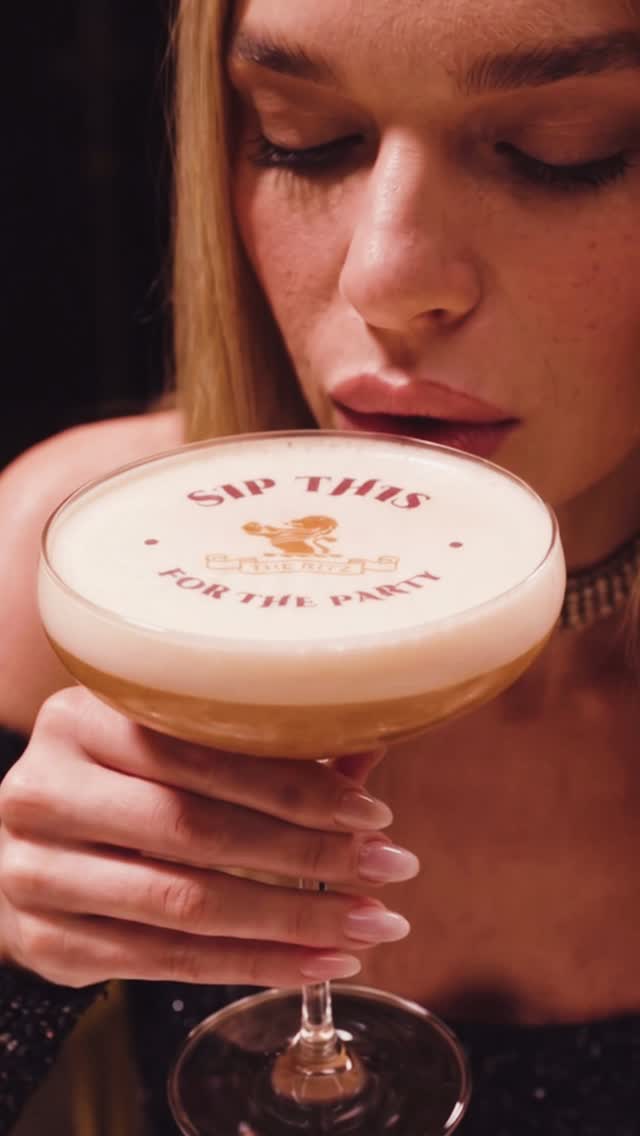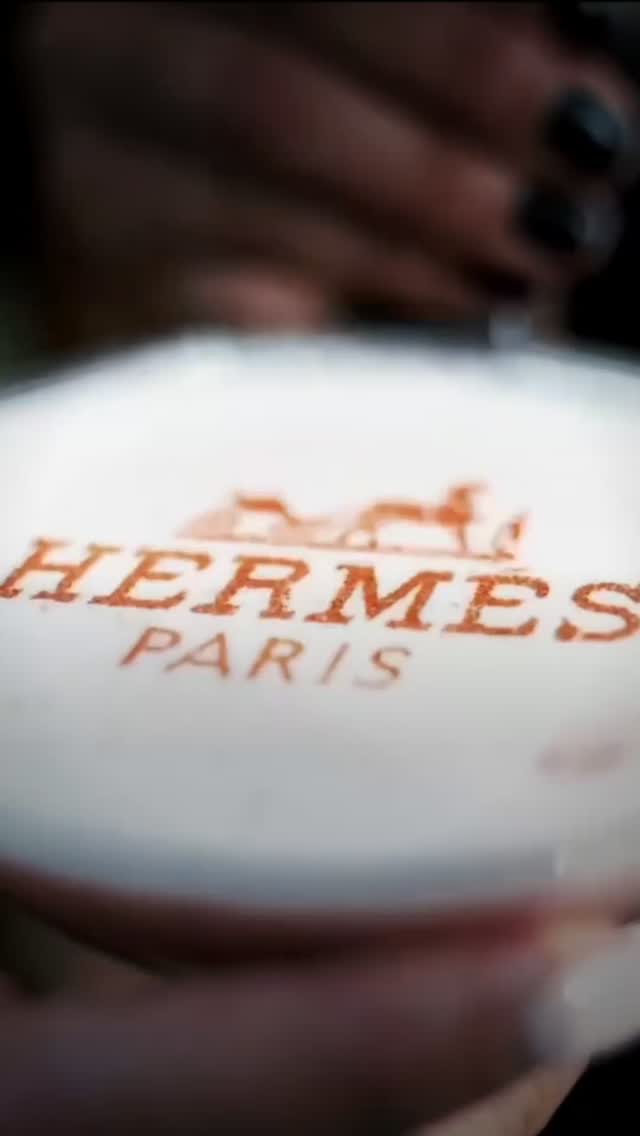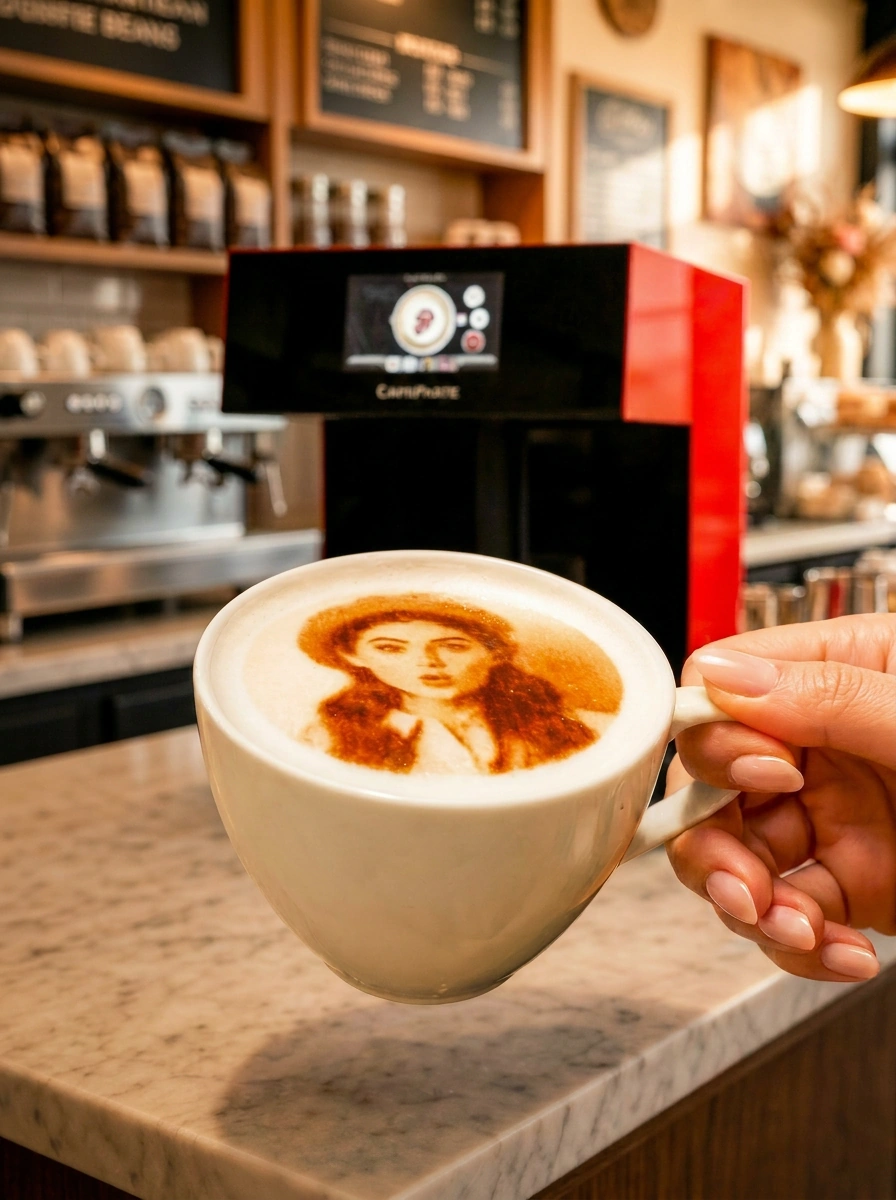
A latte printer is a countertop device that applies an image to the foam of a finished latte. “Latte print” is the result: a logo, name or photo on the drink. A café can use it for its own branding, sell it as a paid extra, or save it for occasions. At peak, the key is deciding in advance what gets printed.
What is latte print?
Latte print, or printed latte art, is an image placed on the foam of a latte by a device and not by hand. The device, known as a latte printer or latte art printer, adds food-safe edible ink to the top of the finished drink. Our step-by-step explanation of how latte art printing works covers the process from start to finish.
Guests may ask you to “print my latte” after seeing it on social media. They usually mean their own photo or name, and they often have the image ready on their phone. That simple request is what a café needs to be ready for.
How can a café offer latte print?
There are three common models. Start with one and add a second once staff are comfortable. Pick according to your margins, your speed of service and what your regulars would actually value.
| Model | How it works | Suits | Watch for |
|---|---|---|---|
| House branding | Your logo on selected drinks at no extra charge | Cafés building recognition, small chains | Pod use, since there is no direct charge to cover it |
| Paid extra | Guests pay a small add-on for a name or photo | Tourist areas, date spots, gift occasions | Visible menu wording, so staff do not have to explain it each time |
| Occasions and seasons | Limited designs for holidays, local events or weekends | Neighbourhood cafés with regulars | Prepare designs and signage before the date |
Our page on beverage art printing for cafés gives further ideas on how this can fit into your menu.
How should you price a printed latte?
Base it on your own numbers. Start with your Pod cost per drink, add any extra staff time, and then consider what a guest in your area would happily pay for a personalised drink. Keep the amount simple so that it is easy to say at the till.
To see whether the device is worth it, multiply the number of paid extras you expect each week by your margin on each one, then compare that with your offer for the device and Pods. Count only the sales you are confident of. Anything extra, such as guests sharing photos or coming back, is a bonus and not something to build your plan on.
What does the workflow look like at peak?
A printed drink should not slow down a queue of people who only want coffee. The art itself takes seconds, but choosing and checking an image takes longer, so the routine should remove decisions.
Separate the roles
One person takes orders and flags printed drinks. The barista makes the drink, and whoever is at the handover point runs the device.
Offer a short list
At busy times, offer your logo and two or three prepared seasonal designs. These need no choosing or checking.
Take photo orders early
Ask guests to send their photo by QR code or phone when they pay, so the image is ready when the drink is.
Let foam settle
Give the foam a moment before the cup goes in. Height and centring are automatic, so staff do not need to adjust anything.
Group orders where possible
On CAFEPASTE Pro, 2 cups go in at once. A table ordering two of the same design is the easiest case.
Have a fallback
If a queue builds, pause photo orders for a while and keep the logo option running. Tell staff exactly when to do this.
Time your own routine during a quiet period, from order to handover, with and without printing. That figure tells you far more about your counter than a device's art time on its own, and it shows you where the delay really sits.
Should a café choose CAFEPASTE Pro or Lite?
| If your café… | Consider | Reason |
|---|---|---|
| Has a strong rush, or serves many pairs and groups | CAFEPASTE Pro | 2 cups at once, ~10 s art time per cup |
| Sells cakes and pastries you would like to personalise | CAFEPASTE Pro | Art on cake and pastry surfaces up to 12 cm |
| Mostly serves one drink at a time at a steady pace | CAFEPASTE Lite | One cup, ~15 s art time |
What do staff need to know?
Very little in terms of equipment, and a bit more about foam and how to talk about the offer. CAFEPASTE installation, staff training and support are remote and included, and no technician visit is needed. Plan for new staff to learn these basics:
- How to make an even, fine foam with a flat top for printing, instead of a poured pattern.
- How to tell if a guest's photo is clear enough, and how to suggest a better one politely.
- How to describe the offer in one sentence at the till.
- How to manage Pods: a Pod lasts 2 weeks after opening and 6 months when sealed.
- When to pause photo orders and go back to prepared designs.
Baristas who are proud of their free pour do not have to give it up. Regular orders can keep their poured patterns, while the device handles what cannot be poured, such as logos, names and faces. Free pour and printing answer different requests.
KEY TAKEAWAYS
- Latte print is an image applied to foam by a device, not a poured pattern.
- Cafés can use it for branding, as a paid extra or for occasions, and can combine these.
- Prepared designs keep things moving at peak; photo orders work best when collected at the till.
- Measure your own order-to-handover time instead of relying on art time alone.
- Pro suits rushes and desserts; Lite suits steady one-at-a-time service.
Frequently Asked Questions
Frequently Asked Questions
- What is a latte printer?
- A latte printer is a countertop device that applies an image to the foam of a finished latte using food-safe edible ink. It can reproduce logos, names and photos. It does not make espresso or steam milk, so you still need an espresso machine.
- What does latte print mean?
- Latte print means a design placed on a latte's foam by a device instead of being poured by a barista. It is also called printed latte art. Common designs include logos, names, seasonal artwork and guest photos.
- How can I print my latte with my own photo?
- You need a café that has a latte printer. With CAFEPASTE, your photo reaches the device through a QR code or phone, and the art takes ~10 s on Pro or ~15 s on Lite. A bright close-up gives the clearest result.
- Will a latte printer slow down my café at peak?
- The art time is short, at ~10 s per cup on CAFEPASTE Pro and ~15 s on Lite, but choosing images can add more. Use prepared designs at busy times and collect photos at the till. Time your own routine to see the actual effect on your queue.
- Should a café charge extra for printed latte art?
- Many cafés can treat personal designs as a paid extra and logos as free branding, but the right answer depends on your costs and guests. Work out your Pod cost and staff time per drink first. Then set an amount that is easy to explain at the till.
- Does latte printing work on oat or other plant-based milk?
- It can, as long as the milk produces a stable foam, but foam quality varies a lot by product. Try the milks you actually use once your device is running. If you serve several, note which give the cleanest surface and share it with staff.
- Do my baristas need special training for a latte printer?
- The device itself is simple to use, with automatic height and centring and a 7″ screen. CAFEPASTE includes remote staff training. Staff mainly need to focus on foam quality and checking images.