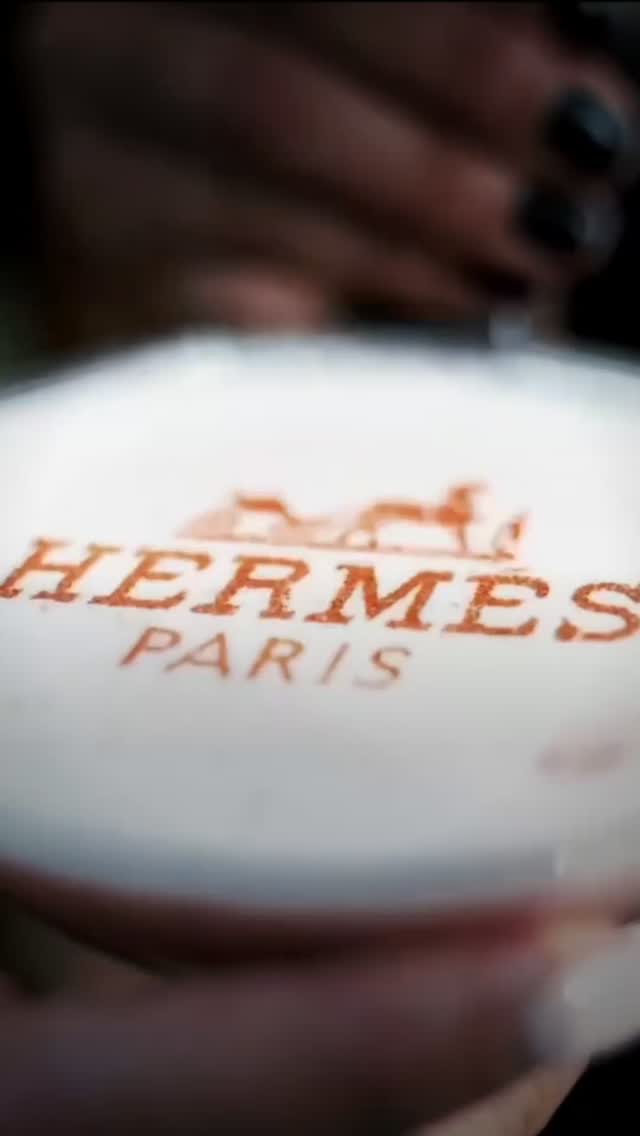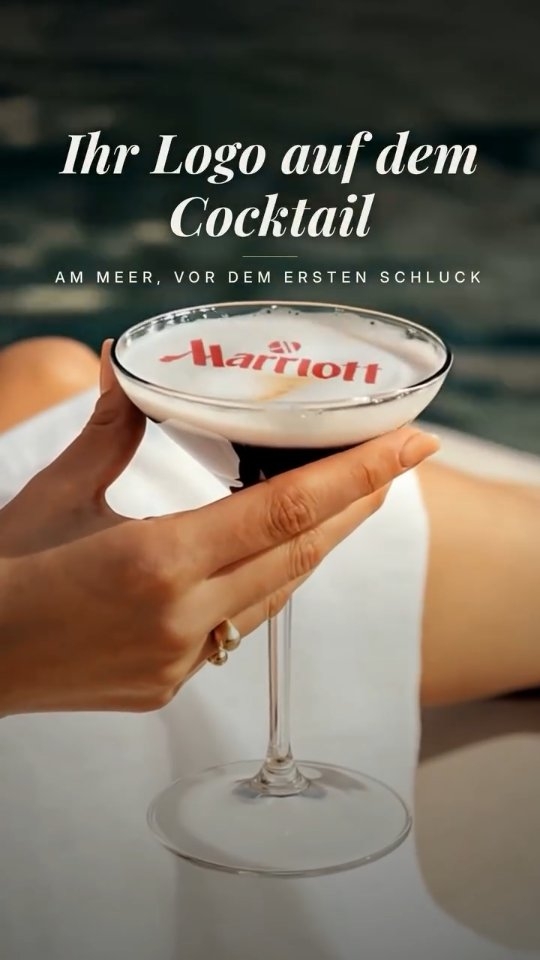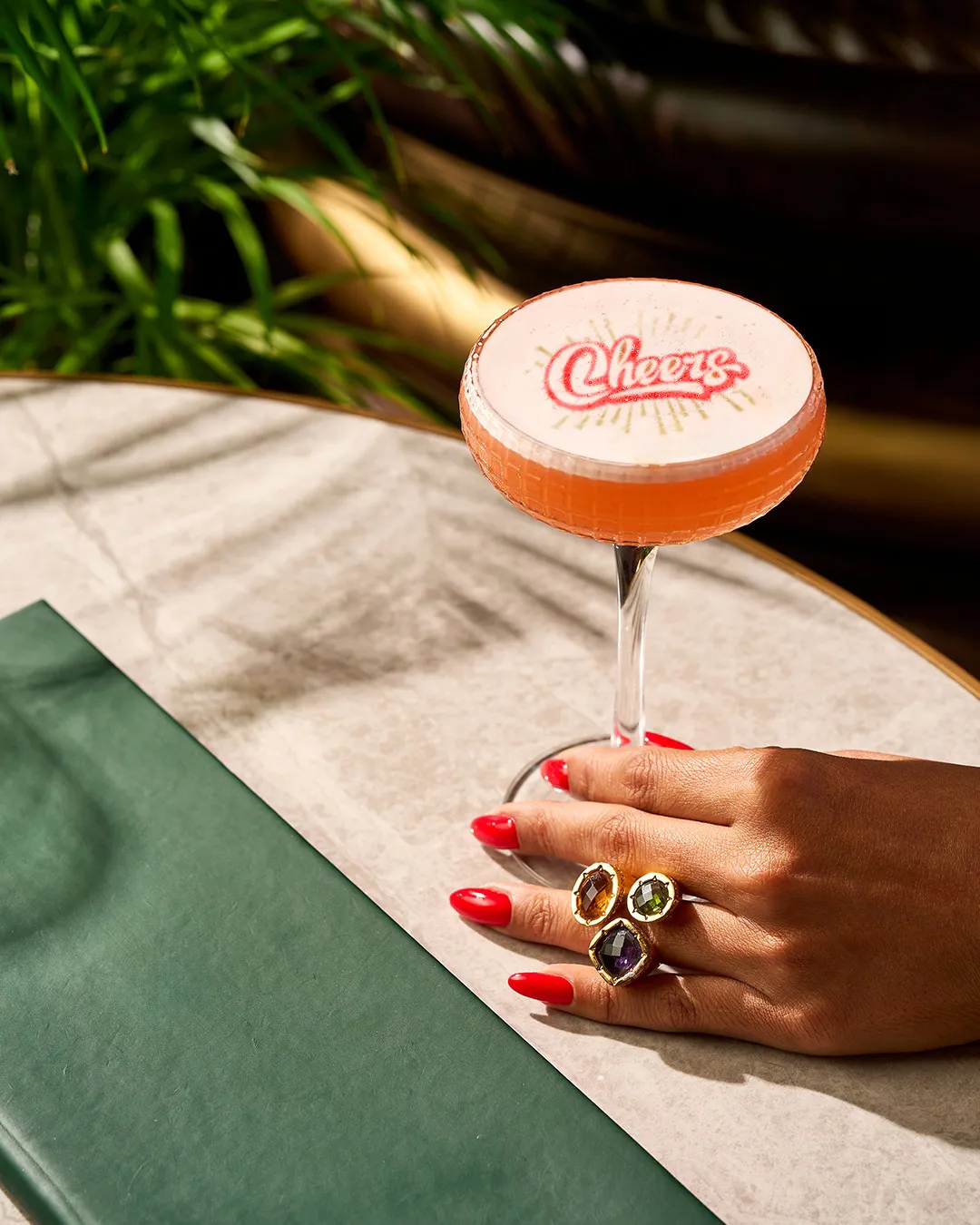
A coffee machine that prints pictures is really two machines: your espresso machine makes the drink, and a separate coffee photo printer applies the image to the foam. A guest sends a photo by phone, staff place the cup, and the picture appears within seconds. A clean result depends on three things: the source image, the foam, and prompt serving.
Is there a coffee machine that prints pictures?
There is a device that prints pictures on coffee, but it does not make the coffee. People search for a “coffee machine that prints pictures”, a “coffee photo printer” or a “coffee image printer” and expect one appliance. In practice, you keep your espresso machine and add a Beverage Art Creator next to it. It takes the finished drink and adds the image to the surface.
That separation matters when you budget and plan your counter. You are not replacing any coffee equipment, and your recipes stay as they are. You are adding one short step before the handover.
How does a guest's photo reach the foam?
The routine is short for both the guest and the barista. With CAFEPASTE, the journey looks like this:
The guest orders
They ask for a photo drink at the counter, or respond to a sign or menu line that offers it.
The photo is shared
The guest sends the image from their phone by scanning a QR code.
The barista makes the drink
The espresso and foam are prepared as usual, then the foam is left to settle briefly.
The image is checked
Staff look at the photo before printing and confirm it is clear enough. If it is dark or busy, they ask for another.
The cup goes in
Height and centring are automatic, for cup heights from 5 to 18 cm. Art time is ~10 s per cup on Pro and ~15 s on Lite.
The drink is served
It goes straight to the guest, who usually wants to photograph it before drinking.
Our step-by-step guide to printing photos on coffee covers this routine in more detail, and is useful for staff training notes.
Which images print cleanly on coffee?
Foam is a small, soft canvas, so an image that looks fine on a phone may not read well on a cup. Choosing the right image makes more difference than any other step you control. A quick look at the photo before printing avoids most disappointments.
| Image | How it tends to look on foam | What to do |
|---|---|---|
| Close-up of one or two faces, good light | Clear and recognisable | Use it as it is |
| Large group far from the camera | Faces become too small to recognise | Crop to fewer people or ask for a closer photo |
| Backlit or dark photo | Faces turn muddy | Ask for a brighter image |
| Busy background | The subject gets lost | Crop tight or choose a plainer background |
| Simple logo with bold shapes | Sharp and easy to read | Keep a clean version ready |
| Small text or thin lines | Hard to read | Use fewer words in a larger, heavier font |
Colour mode matters too. CAFEPASTE offers full colour (CMYK) and a natural coffee-based classic brown in the same device. Colour suits holiday photos and brand palettes, while brown gives a look that sits naturally on a coffee drink. Try both with your own foam and see which suits your typical guest photo.
What makes a clean result on the foam?
The device can only work on the surface you give it. Good foam preparation comes down to a few habits that any barista can learn:
- Fine texture: large bubbles leave an uneven surface, so aim for small, even bubbles.
- Enough depth: a thin foam layer gives the image less to sit on and can break up sooner.
- A flat top: tap and swirl the jug before pouring, and leave out any poured pattern on a cup that will carry a photo.
- A short rest: give the foam a moment to settle before the cup goes in.
- Clean rims: wipe drips before placing the cup, because the guest will photograph the whole drink.
- Prompt serving: foam changes over time, so hand the drink over immediately.
How should staff handle guest photos?
A guest's photo is personal, so agree on a simple house routine before you begin. Staff should only print what a guest has chosen to share, and they should decline images your venue is not comfortable serving. Ask before posting a guest's drink on your own social media, particularly when children appear. Local privacy rules vary, so check what applies to your business.
Is a photo drink worth offering at your venue?
Work it out with your own figures and not with anyone's promises. Estimate how many photo drinks you would sell per week, multiply by the extra you would charge, and subtract the Pods you expect to use. Then compare the result with your offer for the device. Also consider less direct value: guests sharing the drink and returning for occasions.
Photo drinks work best where guests have a reason to mark a moment, such as cafés popular for dates and birthdays, hotels, weddings and corporate events. Our page on the selfie coffee printer looks at this format specifically. If your guests are mostly in a hurry on their way to work, a logo or seasonal design may suit them better than a photo.
KEY TAKEAWAYS
- The picture comes from a separate device, and your espresso machine still makes the drink.
- Guests send images by QR code or phone, and the art takes ~10 s on Pro or ~15 s on Lite.
- Close-up, bright photos with plain backgrounds give the cleanest results.
- Fine, even, settled foam matters as much as the image.
- Agree on a simple staff routine for handling guest photos.
Frequently Asked Questions
Frequently Asked Questions
- Can a coffee machine really print a photo?
- Yes, but the printing is done by a separate device and not by the espresso machine. A device such as the CAFEPASTE Beverage Art Creator applies the image in food-safe edible ink to the foam of a finished drink. You keep your existing coffee equipment.
- How does a customer send a photo to the coffee printer?
- With CAFEPASTE, images arrive through a QR code or phone. The guest shares the photo, and staff check it before printing. Bright, close-up photos are the easiest to work with.
- What kind of photo works best on coffee?
- A bright close-up of one or two faces against a plain background usually gives the clearest picture. Group shots taken from far away lose detail because the foam is a small surface. Crop tightly when you can.
- How long does printing a picture on coffee take?
- CAFEPASTE art time per cup is ~10 s on Pro and ~15 s on Lite. Pro can handle 2 cups at once. The whole process also includes sharing the photo and placing the cup, so time your own routine.
- Why does a picture on coffee look blurry?
- The usual causes are a poor source image or uneven foam with large bubbles. Try a brighter, closer photo and a finer, settled foam first. If the problem continues with good images and foam, contact your device's support team.
- Can a coffee photo printer work in black and white or brown?
- CAFEPASTE offers a natural coffee-based classic brown as well as full colour (CMYK) in the same device. Brown gives a look closer to a traditional coffee drink, while colour suits photos and brand palettes.
- Does the printer also work on cold drinks?
- Yes, cold foamed drinks are among the suitable surfaces, along with coffee and milk foam. The drink needs a foam or cream layer for the image to sit on. Without one, it is not a suitable surface.