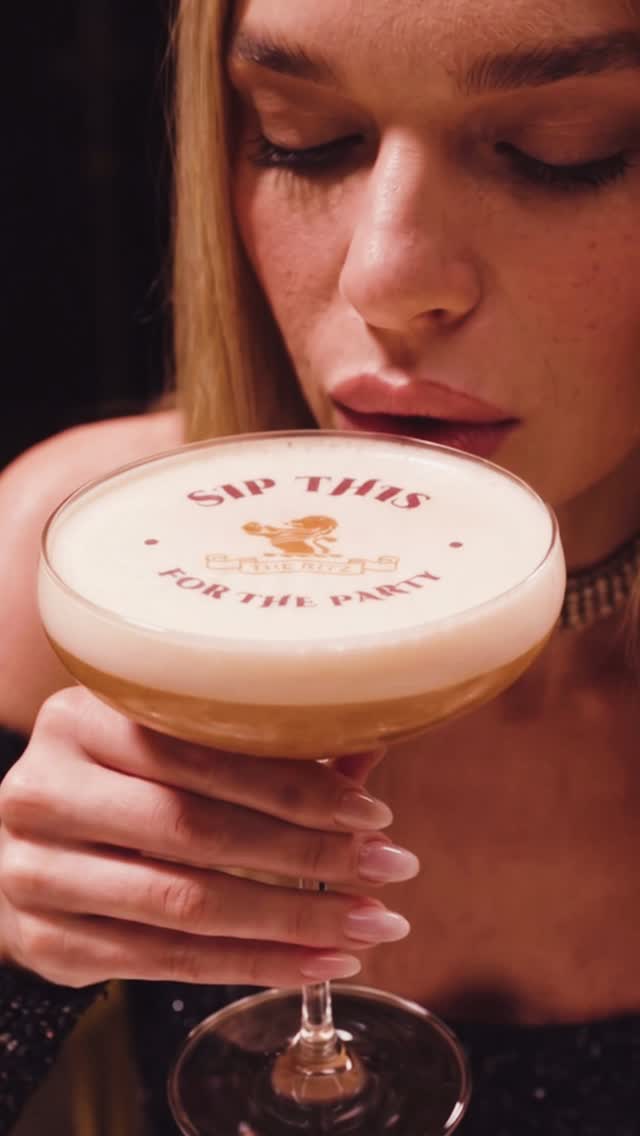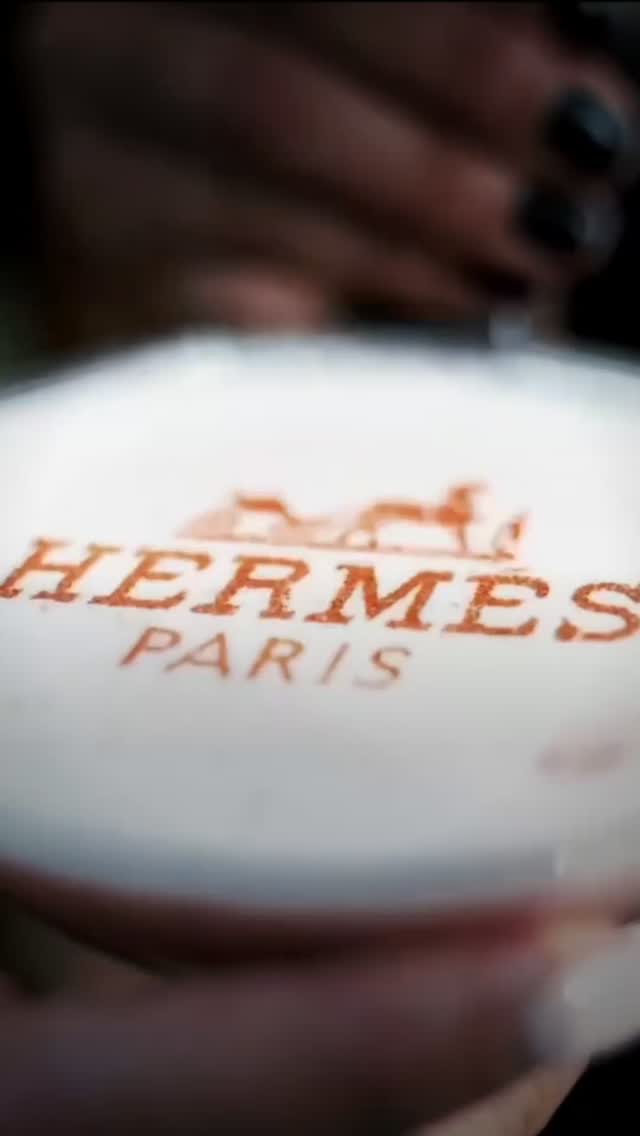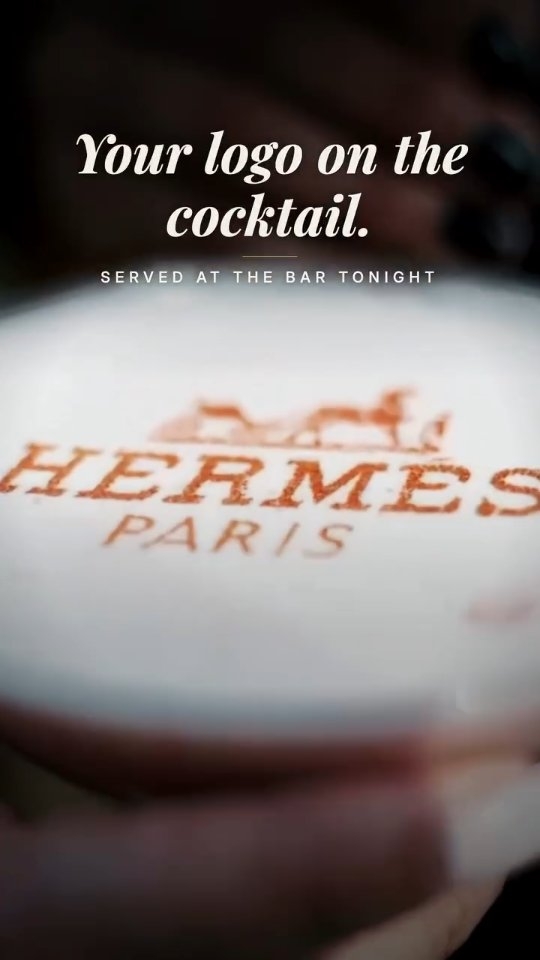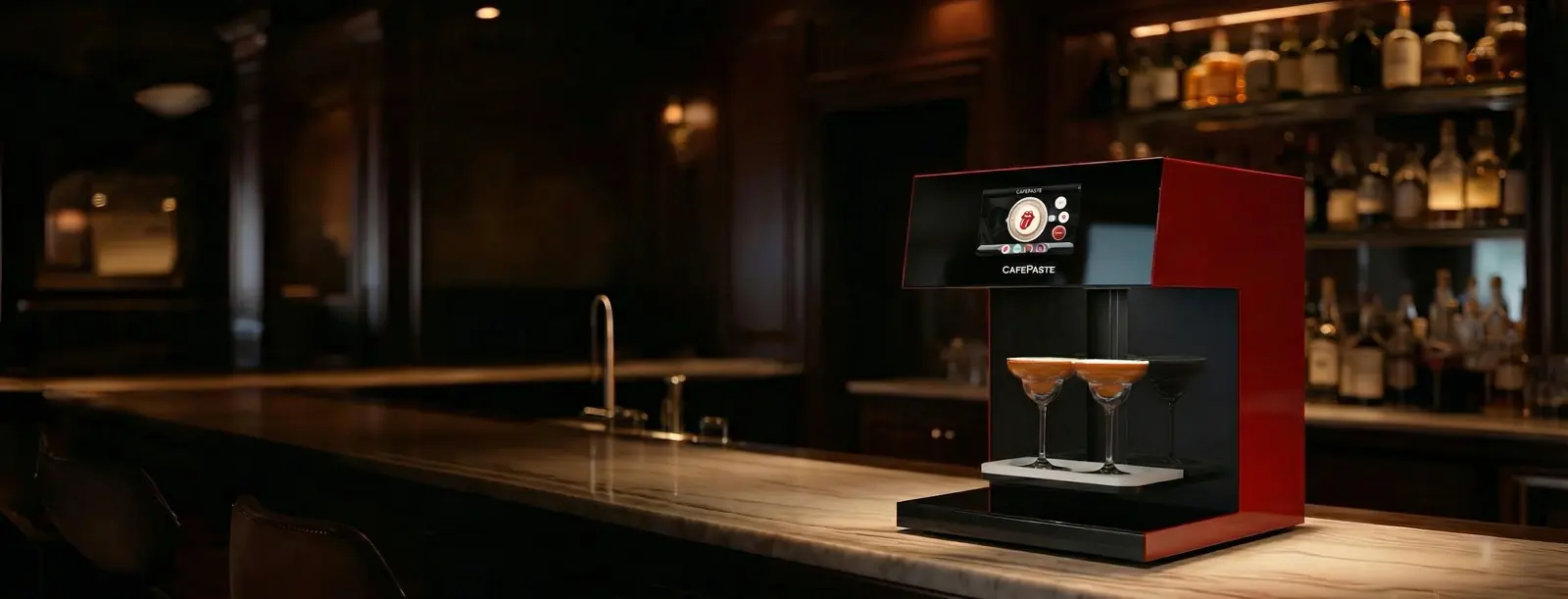
Foam printing is a technique that uses food-safe edible ink to put text, images and logos on the foam of a drink. It works on lattes, cappuccinos, cold foam, beer heads and foamed cocktails. The foam itself is the print surface, so its texture and freshness shape the result. This page explains which foam works and how to prepare it.
What is foam printing used for?
Foam printing turns the top of a drink into a small canvas. Cafés and restaurants use it for logos and personal messages, hotels and resorts for guest names and branding, event and wedding caterers for photos and monograms, and marketing agencies for campaign artwork at activations. The equipment is covered in our entry on the coffee printer. This page is about the surface itself, which is where most of the results are won or lost.
Which beverage foam works best for printing?
A printable foam has three qualities: it is smooth, so the image has no holes; it is dense enough to hold its shape for the time the art takes; and it is pale enough for the colors or brown tones to stand out.
| Foam | How it behaves | How to get a good result |
|---|---|---|
| Steamed milk foam (latte, cappuccino, flat white) | Smooth and pale when well steamed, the classic surface for detail | Steam to a fine, glossy texture and tap out bubbles before pouring |
| Cold foam | Holds up on iced and cold drinks | Make the layer thick and even, and top the drink just before printing |
| Plant-based milk foam | Varies by brand and recipe | Test your own brand; barista versions are made to foam more evenly |
| Beer foam | Good for logos and short text; the head changes as it settles | Pour for a stable head, print promptly, and keep the design simple |
| Cocktail and mocktail foam | Depends on the recipe and the foaming agent | Test each recipe; a cream layer can also be suitable |
How do you prepare coffee foam for printing?
Use cold, fresh milk
Start with milk straight from the fridge. It gives you more time to build a fine texture before it gets too hot.
Stretch briefly, then blend
Add air early on, then let the wand spin the milk until the surface looks glossy with no visible bubbles.
Knock and swirl
Tap the jug on the counter and swirl it before pouring, so any remaining large bubbles disappear.
Pour for a flat top
Finish with a level surface and no pattern. A poured design underneath will show through and confuse the image.
Print and serve promptly
Foam continues to change as it stands. Print soon after pouring, then hand the cup over right away.
What goes wrong with foam printing, and how do you fix it?
| What you see | Likely cause | What to try |
|---|---|---|
| Speckled or holed image | Large bubbles in the foam | Add less air while steaming; knock the jug before pouring |
| Soft, blurry edges | Foam too thin, or it sat too long | Build a thicker layer, and print sooner |
| Faded colors | Dark drink showing through a thin layer | Add more foam, or try the classic brown mode |
| Unreadable text | Letters too thin or too small | Use fewer words in a bolder typeface |
| Image off-center | Uneven surface or a tilted cup | Check the cup's base and pour level |
Keep one standard test image and use it whenever you change a milk, a recipe or a staff routine. Comparing results against a known image shows straight away whether a problem comes from the foam or from the artwork.
Can foam printing be done in color?
Yes. CAFEPASTE supports full color (CMYK) and natural coffee-based classic brown in the same device. Full color suits logos with fixed brand colors and photos. Classic brown gives a coffee-toned image that looks at home on a latte. Resolution is 1200 DPI on both models. If most of your art is logos and faces, the latte art printer page shows how that works in a café.
Can foam printing work on beer and cocktails?
It can, and the same rule applies: the drink needs a suitable foam or cream layer. Beer heads work well for logos, and foamed cocktails and mocktails can carry art too. The foam on these drinks behaves differently from milk, so test before you add anything to the menu, and keep the designs simple. For a practical view of this use, see our page on beer foam logos for bars.
Is foam printing safe?
Foam printing uses food-safe edible ink, because the image is consumed along with the drink. CAFEPASTE product and ink documentation is available to buyers on request. Since food rules are set locally, the buyer should check that documentation against the requirements in their own country. If you offer drinks to guests with dietary needs, ask for the ingredient details at the same time.
KEY TAKEAWAYS
- Foam printing applies food-safe edible ink to the foam or cream layer of a drink.
- Smooth, dense, pale and fresh foam gives the sharpest image.
- Milk foam is the easiest surface; test plant-based milks, beer and cocktail recipes yourself.
- Print soon after pouring and serve promptly, because foam keeps changing.
- CAFEPASTE offers full color and classic brown in the same device, at 1200 DPI.
Frequently Asked Questions
Frequently Asked Questions
- What is foam printing?
- Foam printing is a technique that uses food-safe edible ink to put text, images and logos on the foam of a drink. A dedicated device applies the image without touching the surface. It is used by cafés, hotels, bars and event companies.
- Which beverage foam is best for printing?
- Smooth, dense, pale and freshly made foam gives the sharpest image. Well-steamed milk foam on a latte or cappuccino is the classic example. Cold foam, beer foam and foamed cocktails can also work, but the results depend on the recipe, so test them first.
- Which drinks are suitable for foam printing?
- Drinks with a foam or cream layer are suitable, such as lattes, cappuccinos and flat whites. Cold foamed drinks, beer, and cocktails or mocktails with a foam or cream layer can work too. Drinks without such a layer are not suitable.
- Is foam printing food-safe?
- Foam printing uses food-safe edible ink, since the image is consumed with the drink. CAFEPASTE product and ink documentation is available to buyers on request. Buyers should check it against the food rules in their own country.
- Can foam printing be done in color?
- Yes. CAFEPASTE supports full color (CMYK) and natural coffee-based classic brown in the same device. Full color suits logos and photos, while classic brown gives a coffee-toned look.
- Why does foam printing look blurry?
- Blurry results usually come from coarse bubbles, thin foam, or a drink left standing too long. Improve the milk texture, build a slightly thicker layer, and print soon after pouring. If the image still looks soft, try a simpler picture with stronger contrast.
- Can you print on plant-based milk foam?
- It depends on the milk, because plant-based brands and recipes foam differently. Barista versions are made to foam more evenly and are a sensible place to start. Test your own brand with a standard image before you offer it to guests.
- Is foam printing customizable?
- Yes, each cup can carry a different image, logo or message. On a CAFEPASTE device, images arrive by QR code or phone, so guests can send their own photos. Staff can then switch from one design to another between cups.