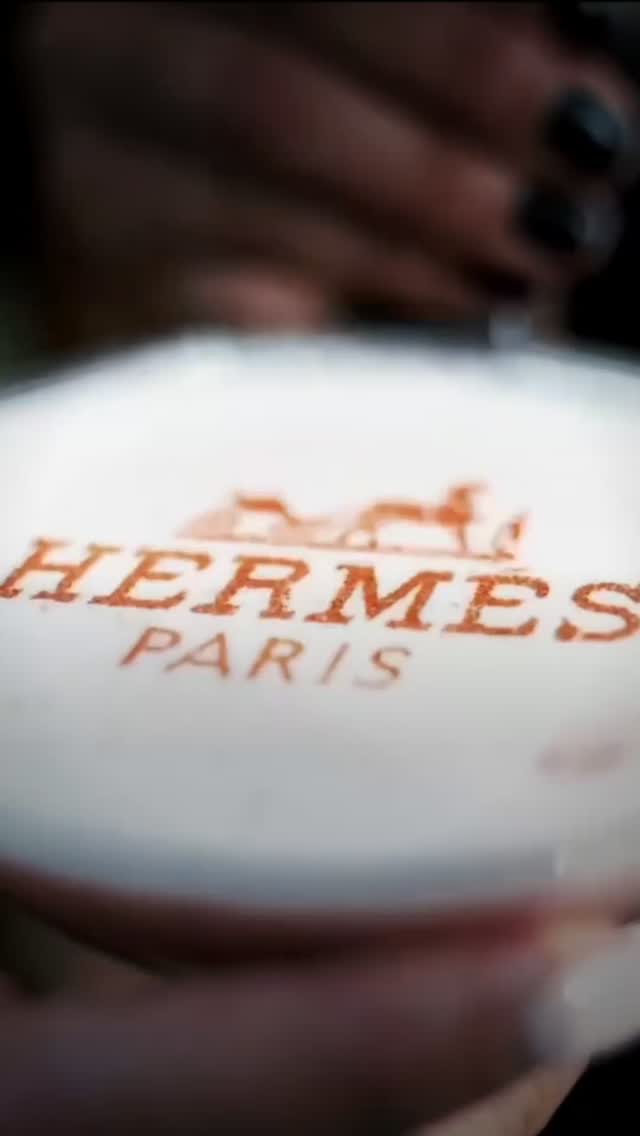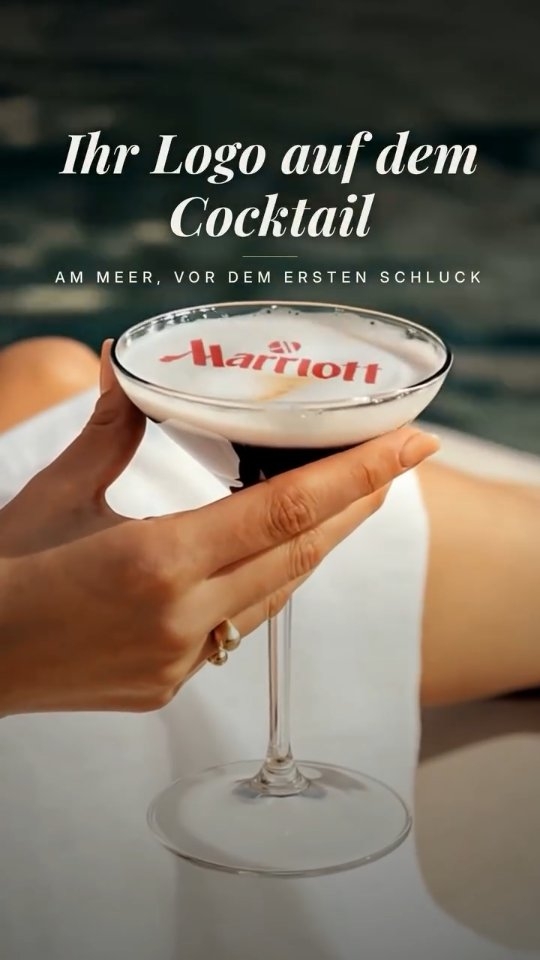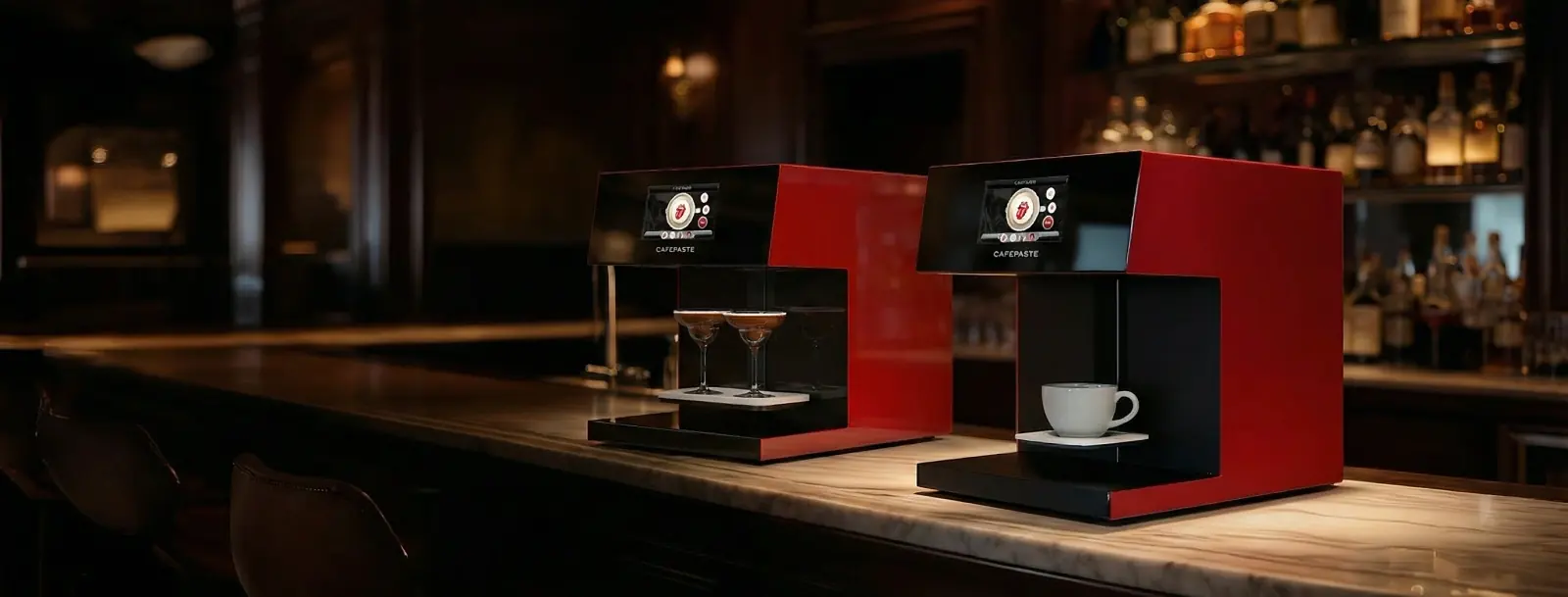
A cappuccino printer places an image on the foam of a drink your barista has already made. Cappuccinos suit it well because their foam is thick and even. Results depend mostly on foam quality, cup choice and a clean image, so the practical work happens at the steam wand, long before the device starts.
What does a cappuccino printer actually do?
It prints a logo, photo, name or pattern onto foam using food-safe edible ink. Your espresso machine and your barista still make the drink. The device does not pull shots, steam milk or replace an espresso machine, so it sits beside your existing setup and handles only the last step.
On the CAFEPASTE Beverage Art Creator, staff place the cup, the device sets height and centring automatically, and images arrive by QR code or phone. If you want the full picture of the printing step, read how latte art printing works, or compare the commercial models on the latte art printer page.
Which drinks give a clean result?
The surface decides. A fine, even foam gives the image something stable to sit on, while a thin or bubbly one leaves gaps. Use this table as a starting point, then test your own recipes.
| Drink | Typical surface | What to expect |
|---|---|---|
| Cappuccino | Thick, even milk foam | A natural fit, with room for logos and photos |
| Latte | Thinner foam over more milk | Works when you pour enough foam to cover the surface |
| Flat white | Thin, tight foam | Test your recipe; keep the surface level and avoid a free pour pattern |
| Mocha | Foam over a darker base | Needs a full pale foam layer, or contrast suffers |
| Cold foamed drinks | Cold foam on top | Suitable when the cold foam is stable and even |
| Plain filter coffee, unfoamed iced coffee | No foam layer | Not a fit; add foam or leave it off the printed menu |
How should you prepare milk foam for printing?
Aim for the texture a good cappuccino already needs: glossy, fine and free of visible bubbles. Printing asks for a flat top instead of a poured design, which is the main change for your team.
Start with cold milk and a clean pitcher
Cold milk gives you more time to stretch and texture it. Any residue on the wand or pitcher makes the foam less consistent.
Stretch early, then texture
Introduce air at the start only, then let the milk spin until the surface looks glossy. Avoid scalding, which breaks down the foam.
Tap and swirl
Tap the pitcher once or twice to break larger bubbles, then swirl until the milk looks like wet paint.
Pour for a level surface
Finish with an even layer of foam across the whole cup. Skip the free pour pattern on any drink that will be printed.
Print and serve promptly
Foam changes as it sits, so keep the time from pour to print to table short.
Does oat or other plant-based foam work?
Plan on testing rather than assuming. Plant-based drinks vary widely by brand, and even a barista version of one drink can foam differently from another. What you are checking is the same as with dairy: fine bubbles, an even surface and a foam that holds until the cup reaches the guest.
- Test each brand you stock, at your normal steaming routine, before putting printed oat drinks on the menu.
- Look at contrast as well as stability, since oat foam can be a slightly different shade from dairy foam.
- Write down which brand and method worked so that every shift repeats it.
- If a brand separates or turns bubbly, change the brand or offer that drink unprinted.
Which cup sizes fit a latte foam printer?
On CAFEPASTE devices, cups from 5 to 18 cm high fit, and the device handles height and centring itself. Measure yours instead of guessing, including any tall seasonal glassware. On CAFEPASTE Pro the art area reaches up to 12 cm.
Width affects the design more than height does. A wide cappuccino cup gives a photo room to read, while a narrow cup suits a simple logo or initials. For takeaway, a lid can touch the foam and smudge the art, so print for guests who are staying, or hand the cup over before the lid goes on.
What mistakes spoil the result most often?
- Large bubbles: they break the image into spots. Fix the steaming before you change anything else.
- Too little foam: a latte with a thin skin of foam gives the image little to sit on.
- Cocoa dusting first: powder on the surface disturbs the print, so leave it off printed cups.
- Tiny text and busy photos: simple shapes and clear faces read far better on a small circle of foam.
- Long waits: a cup left on the counter loses definition as the foam settles.
- Expecting the cup itself to print: the device prints on suitable drink and dessert surfaces, not the outside of cups.
- Forgetting Pod timing: a Pod lasts 2 weeks after opening and 6 months sealed, so match what you open to what you actually sell.
Should you choose Pro or Lite for cappuccino service?
Base the decision on your busiest hour and on whether you want to print on desserts. Our Pro vs Lite decision guide goes further, but this table covers the main differences.
| Question | CAFEPASTE Pro | CAFEPASTE Lite |
|---|---|---|
| Art time per cup | ~10 s | ~15 s |
| Cups at once | 2 | 1 |
| Cakes and pastries | Yes, surfaces up to 12 cm | No; cake and pastry art is a Pro capability |
| Colors | Full color and classic brown | Full color and classic brown |
| Suits | Busy counters, paired orders, dessert programs | Steadier service with one cup at a time |
KEY TAKEAWAYS
- A cappuccino printer finishes a drink; it does not make the espresso or steam the milk.
- Thick, fine, level foam matters more than any other setting.
- Test every oat or plant-based brand you stock before promising printed versions.
- Measure your cups against the 5 to 18 cm height range and match the design to the cup width.
- Keep images simple and the time from pour to table short.
Frequently Asked Questions
Frequently Asked Questions
- What is a cappuccino printer?
- A cappuccino printer is a device that puts an image, logo or text on the foam of a finished drink using food-safe edible ink. It does not make espresso or steam milk, so a café still needs its espresso machine and barista. The CAFEPASTE Beverage Art Creator is one example of this category.
- Is a latte foam printer the same as a cappuccino printer?
- Yes, both names describe the same kind of device, because the image goes on the foam and not on the coffee itself. A latte needs enough foam to cover its surface, while a cappuccino usually has plenty. The same device handles both drinks.
- Can you print on oat milk foam?
- Oat foam needs testing, because plant-based drinks vary widely from brand to brand. Look for fine bubbles, an even surface and a foam that holds until the cup is served. If one brand does not hold up, try another or serve that drink unprinted.
- What cup sizes fit a CAFEPASTE printer?
- CAFEPASTE devices accept cups from 5 to 18 cm high and set height and centring automatically. Measure your own cups and glasses against that range before you order. A wider cup gives a photo more room, while a narrow one suits a simple logo.
- How long does it take to print on a cappuccino?
- Art time per cup is about 10 seconds on CAFEPASTE Pro and about 15 seconds on CAFEPASTE Lite. Pro can also take 2 cups at once. Allow extra time in your own service for making the drink, placing the cup and handing it over.
- Why does printed coffee foam look patchy?
- Patchy prints usually come from large bubbles or too thin a layer of foam. Add air only at the start of steaming, tap and swirl the pitcher, and pour a level surface. A very busy image can also look patchy, so simplify the design if the foam looks right.
- Can a cappuccino printer print on the cup itself?
- No, the CAFEPASTE Beverage Art Creator prints on suitable drink and dessert surfaces, not the outside of cups. Coffee and milk foam, cold foamed drinks, and cakes or pastries with a suitable surface are its intended uses. Cup branding on the outside needs a separate supplier.
- Does a cappuccino printer replace barista skills?
- No, because the quality of the print depends on the espresso and milk the barista prepares. The device adds an image to a good drink, but it cannot correct poor foam. Baristas also keep their free pour work for guests who want it.