
For context on the latte art technique, see the [Wikipedia entry on latte art](https://en.wikipedia.org/wiki/Latte_art).
How coffee photo printing works
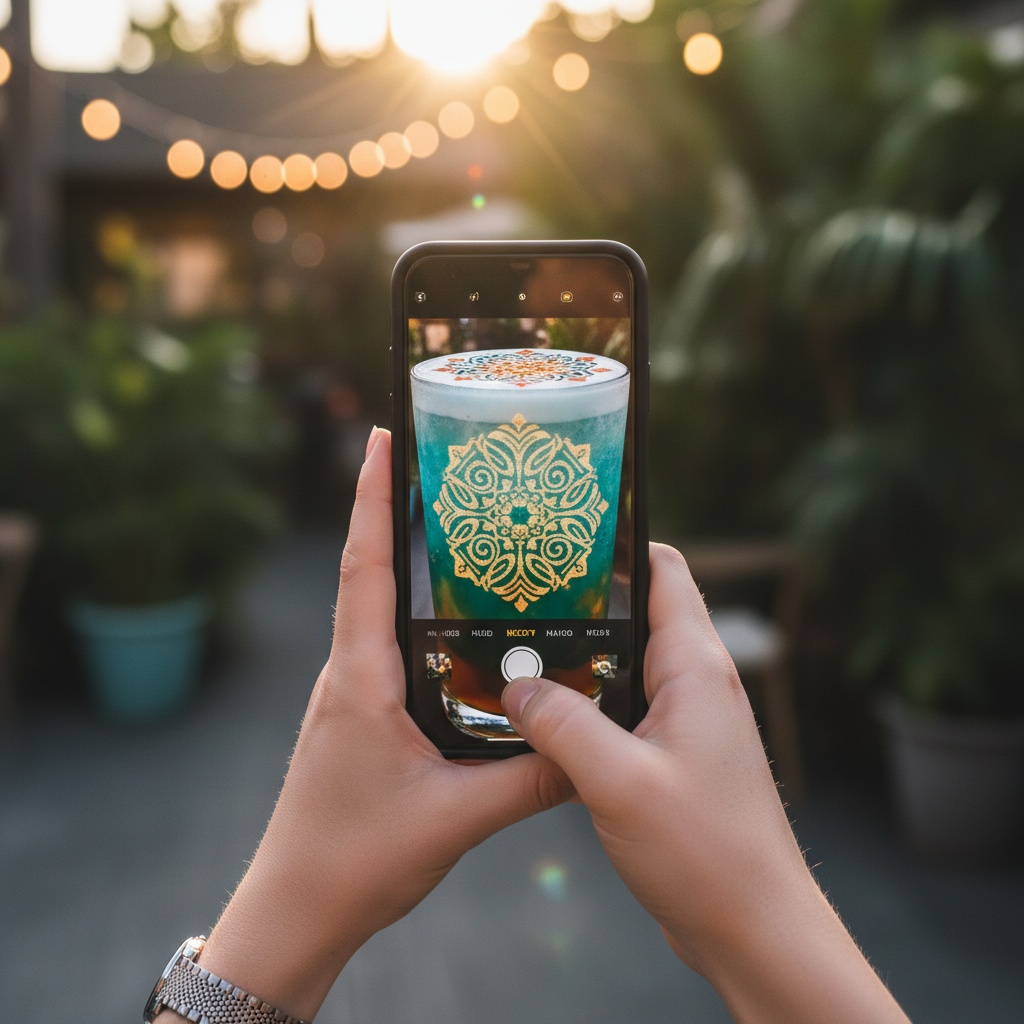
The process has three steps: the customer or operator uploads the photo to the system, the machine adds the image to the print queue, and when the cup is placed the photo is printed on the foam. The ink is food-safe, produced from natural plant-based pigments, and adds no taste.
Face-recognition quality is high: a person's face, a pet, or a landscape is visible on the foam in a recognizable way. The color choice is full-color or single-color brown — selected to fit the cafe's visual identity.
- Birthdays and special-day memories
- Wedding coffees (the couple's photo)
- Family and loved-one photos
- Pet portraits and keepsake images
- Brand activation portraits
Photo printing with CAFEPASTE
With the CAFEPASTE [QR cup system](/en/glossary/qr-cup-system), the customer uploads their photo from their phone and the print starts automatically. The barista does no extra work. CAFEPASTE Pro prints two cups in parallel; CAFEPASTE Lite is optimized for single-cup operation.
Frequently Asked Questions
- How sharp is the photo on the coffee?
- It prints at high resolution; faces, pets, and landscapes are recognizable on the foam.
- Is it full color or single color?
- Both. Full-color (CMYK) or classic brown (sepia). CAFEPASTE is the only beverage art machine that supports both on the same device.
- How do I upload a photo from my phone?
- You scan the QR on the cup, select or capture a photo from the web page, and the print starts automatically.
- Does the photo need to be in a specific format?
- No. A standard phone photo (JPG, PNG) is enough; the system optimizes it for print automatically.
- Is this used at weddings and events?
- Yes. CAFEPASTE rental is common for weddings and events — the couple's photo or event imagery prints on every coffee.
@cafepasteart




See CAFEPASTE in action
Discover how it integrates with your brand and operation.
Explore Models →