
For general context on coffee standards, see the documentation of the [Specialty Coffee Association](https://sca.coffee/).
How drink personalization works
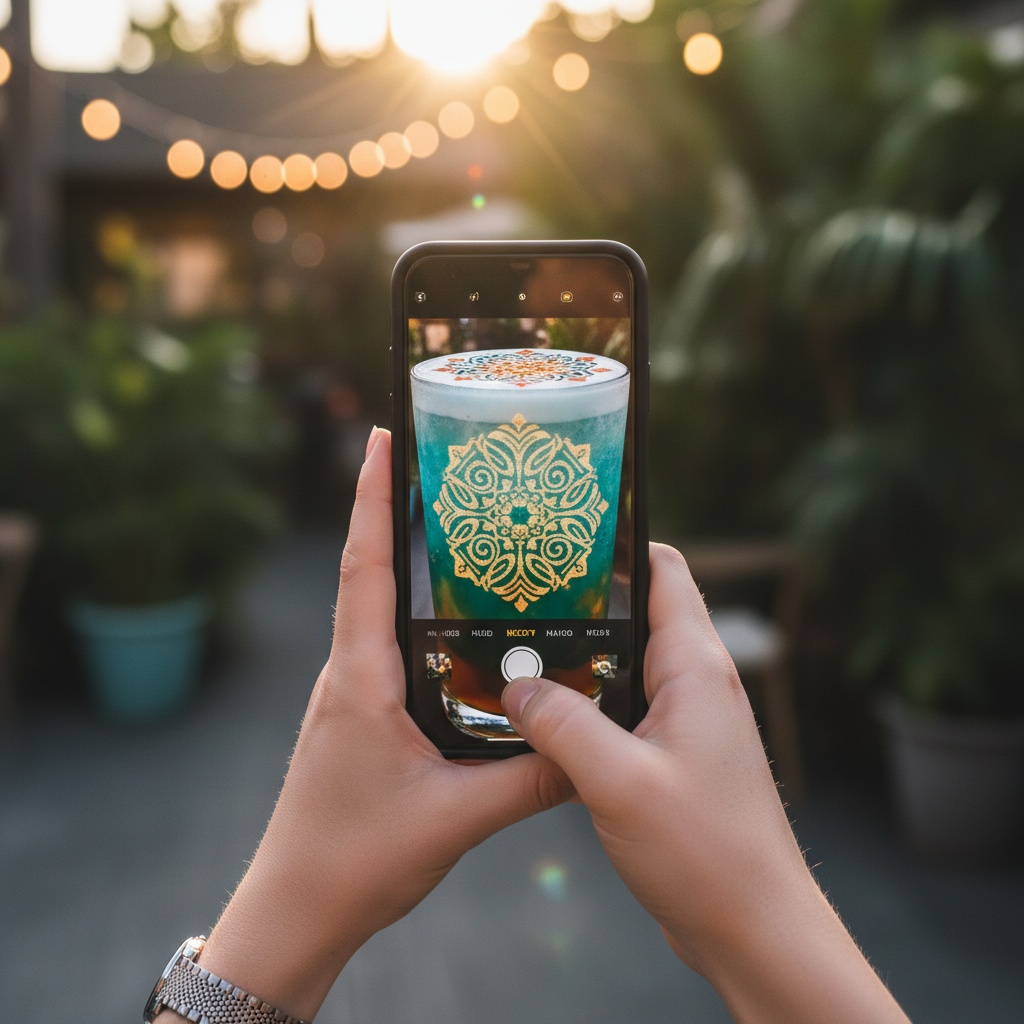
In a standard coffee order, the customer's only choice is the drink itself. Personalization extends the experience — the customer chooses the visual on the drink as well. A family photo, a birthday message, a favorite character; it adds a memory layer to the moment of consumption.
The operational concern is critical: personalization cannot slow the barista down. The CAFEPASTE [QR cup system](/en/glossary/qr-cup-system) solves this — the selection and upload happen on the customer side, and the print enters the queue automatically.
- Customer scans QR with their phone
- Picks from a preset gallery or uploads their own image
- Print starts automatically — about 10 seconds per cup
- Full-color or classic brown options
- Barista loses no time
CAFEPASTE and drink personalization
Drink personalization is one of CAFEPASTE's primary use cases. In cafes it becomes part of daily service; in hotels it creates a guest welcome moment; at weddings and events it prints the couple's photo or event-themed designs on every cup.




Frequently Asked Questions
- Can the customer print a different image on every drink?
- Yes. Every order is independent; the customer can pick or upload a new image each time.
- Are uploaded photos stored?
- It depends on the operator's privacy setting; by default, CAFEPASTE automatically clears customer-uploaded photos after the print is complete.
- Is personalization only for coffee?
- No. It also works for cocktails, and with the CAFEPASTE Pro model it extends to cake and pastry.
- What if I don't have a phone with me?
- You can still personalize. The operator or cafe tablet can also be used for selection — the QR is just a convenience for the customer side.
See CAFEPASTE in action
Discover how it integrates with your brand and operation.
Explore Models →