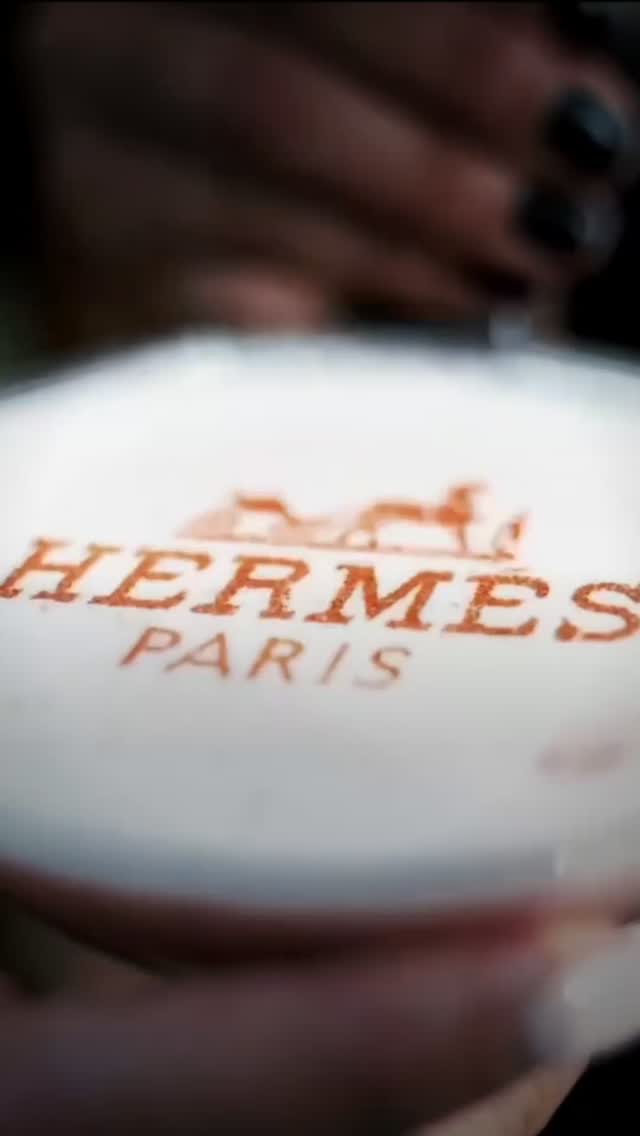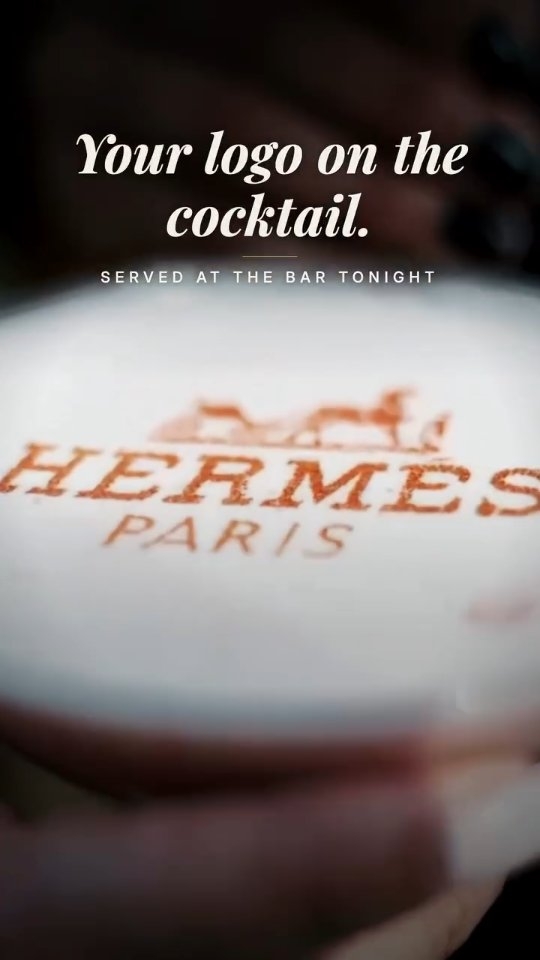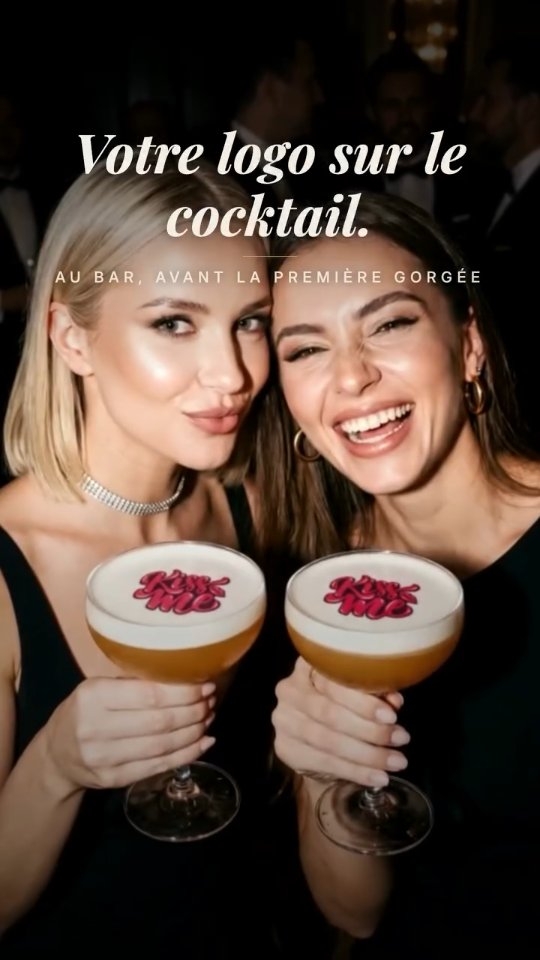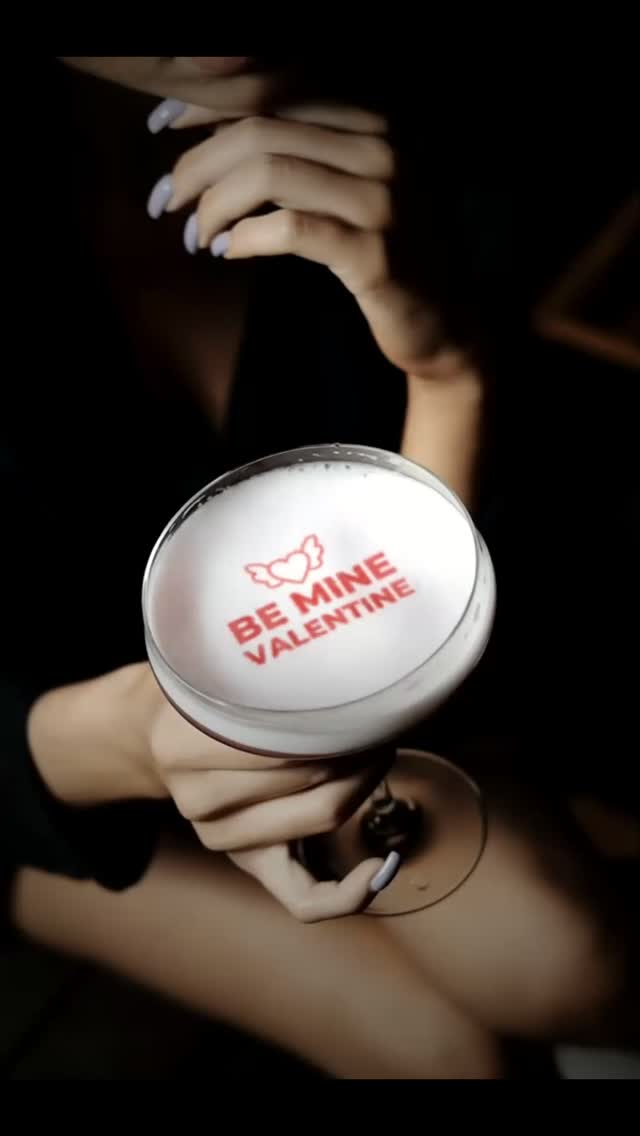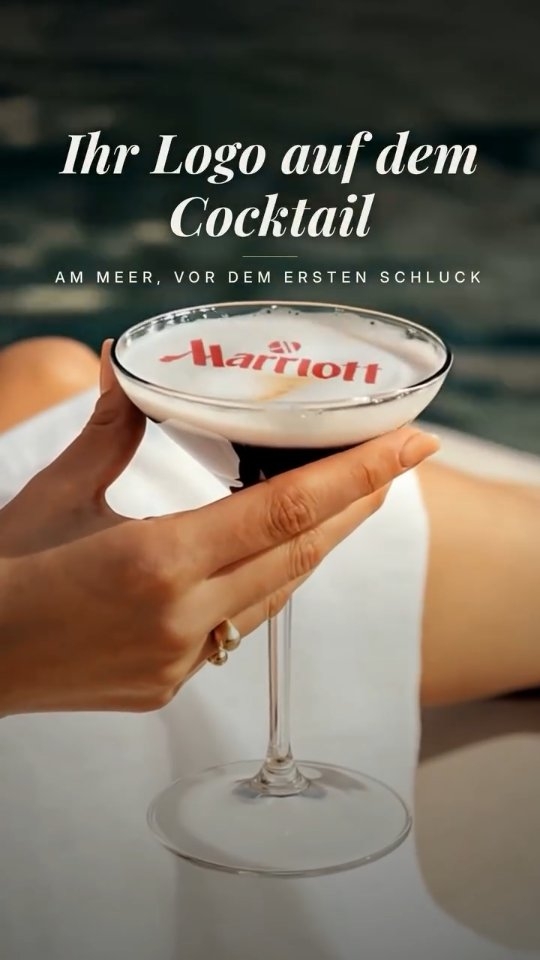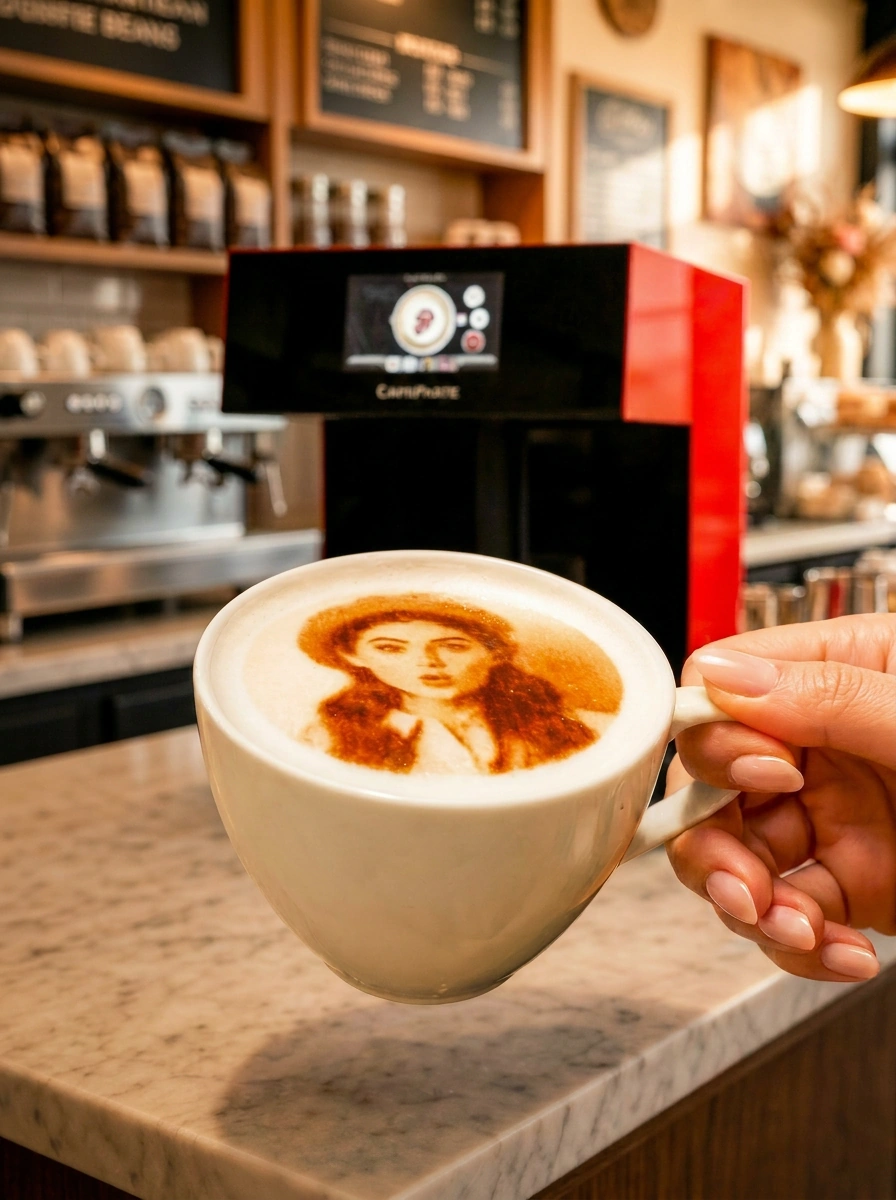
In Dubai, where alcohol-free menus are a large share of the drinks business and the lounge scene lives on Instagram, a device that prints a logo, a photo or a message on the foam of a mocktail is a practical piece of bar equipment rather than a novelty. CAFEPASTE prints on any drink with a foam or cream layer — mocktails, cocktails, iced coffee, cold brew — in about 10 seconds at 1200 DPI, in full colour or classic brown, with no internet required at the bar.
Why is Dubai a mocktail market first?
A large part of Dubai's hospitality operates alcohol-free by design: cafés, dessert lounges, family restaurants, shisha terraces, mall venues and many hotel outlets. Their drinks programmes are built on mocktails, iced coffees and signature cold drinks, and they compete on presentation because the drink is the photograph. Licensed bars, lounges and beach clubs add cocktails to the same logic. For both, a printed image on the foam is the most direct way to put the venue's identity — or the guest's — into the picture.
Which drinks can be printed, and which cannot?
The rule is simple: the drink needs a stable, reasonably flat top layer for the edible ink to sit on. Clear drinks over ice do not qualify; drinks with foam or cream do. The table below is a practical starting menu for a Dubai venue.
| Drink | Printable surface | Notes for the bar |
|---|---|---|
| Shaken mocktail with foamer or aquafaba | Foam layer | Dry-shake first for a dense, even foam |
| Sour-style cocktail with egg white or foamer | Foam layer | Prints well; serve immediately |
| Iced latte or iced mocha with cream | Cream or cold foam | Cold foam gives the sharpest image |
| Cold brew with nitro-style head or cold foam | Foam | Settle the head before printing |
| Cappuccino, flat white, latte | Milk foam | The classic surface; brown or colour |
| Beer with a proper head | Foam | Licensed venues; pour for a dense head |
| Clear highball, spritz over ice, neat spirits | None | Not printable; add a foam garnish if desired |
How does a bartender print during service?
Build the drink with a foam layer
Dry-shake or use a foamer so the top is dense and level. A tall glass is fine: the platform accepts glassware from 5 to 18 cm.
Pick the design
Venue logo, a cocktail-name design, a seasonal motif, or a guest's photo sent from their phone via the QR code on the menu.
Place and print
Height and centring are automatic. The Pro prints two glasses side by side in about 10 seconds; the Lite one glass in about 15.
Garnish and serve
Add the garnish after printing so it does not shadow the image. The guest photographs the drink before the first sip.
What do Dubai venues actually print on drinks?
- The venue logo on every signature mocktail — the drink becomes the advertisement.
- Cocktail or mocktail names and illustrations as part of the menu design.
- Guest photos and messages for birthdays, proposals and group celebrations, offered as a paid add-on.
- Event and sponsor branding for brunches, launch parties and pool events at beach clubs.
- Seasonal designs: Ramadan evenings, National Day, the festive season, a summer campaign.
- Team crests on match nights at sports bars and fan zones, in colour.
Colour or brown on a mocktail?
On milk foam, classic coffee brown reads as traditional latte art and suits a café. On a pale mocktail foam or a cold-foam iced drink, full colour is what makes the design visible and photographable, and it is what a brand sponsor expects for a logo. CAFEPASTE carries both — true CMYK and a natural coffee-based brown — in the same device, so a café that serves cappuccinos by day and mocktails by night does not have to choose at purchase.
Why offline matters at beach clubs and terraces
Pool bars, beach clubs and rooftop terraces are the venues most likely to have patchy connectivity, and they are also where drinks are photographed most. CAFEPASTE works fully offline: designs are stored on the device, and the guest's QR upload works without the device being online. The unit is 45 × 45 × 45 cm, weighs 15 kg and needs a standard socket, so it sits behind a bar or at a service station without special wiring. During the hot months, keep it under cover like any other bar equipment.
Which model for which venue?
A café or a small lounge that prints its logo and the occasional guest photo starts with CAFEPASTE Lite: one drink in about 15 seconds, full colour and brown, 1200 DPI, offline. A beach club, a large lounge or a venue that runs brunches and events chooses CAFEPASTE Pro: two drinks at once in about 10 seconds, an art area up to 12 cm, and printing on dessert surfaces, which lets the same device handle a dessert bar or a celebration cake. Installation and training are remote and included for both, with a 2-year warranty, and the edible-ink Pod keeps 6 months sealed and 2 weeks after opening.
KEY TAKEAWAYS
- Any drink with a foam or cream layer prints — mocktails, sours, iced lattes, cold brew, beer — clear drinks over ice do not.
- Dubai's alcohol-free venues and its licensed lounges use the same device for the same reason: the drink is the photograph.
- CAFEPASTE prints full colour and classic brown from one device at 1200 DPI; Pro does two drinks in about 10 seconds.
- Fully offline operation suits beach clubs, terraces and pool bars; glasses from 5 to 18 cm fit.
- Lite for cafés and small lounges; Pro for beach clubs, large lounges and venues that also print desserts.
Frequently Asked Questions
Frequently Asked Questions
- Can a coffee printer print on mocktails?
- Yes. CAFEPASTE prints on any drink with a stable foam or cream layer, including shaken mocktails made with a foamer or aquafaba, iced lattes with cold foam and cold brew with a head.
- Does it work on cocktails in licensed venues?
- Yes. Sour-style cocktails with egg white or a foamer, and beer with a proper head, print the same way. Clear drinks over ice have no surface and do not print.
- How long does a printed image last on a mocktail?
- As long as the foam holds. A dense, dry-shaken foam keeps the image sharp for the first photographs and sips; serve immediately after printing and garnish afterwards.
- Can guests send their own photo for a birthday drink?
- Yes. They scan a QR code on the menu, upload a photo or message from their phone, and the bartender prints it in about 10 seconds. No app is needed and the device works offline.
- Which glasses fit?
- Any glass or cup between 5 and 18 cm high, including highballs and tall iced-coffee cups. Height detection and centring are automatic.
- Is the ink safe and does it change the taste?
- CAFEPASTE uses food-safe edible ink in sealed Pods. The printed layer is consumed with the drink. Venues should keep their own food-safety records in line with their local requirements.
- Who installs the device in a Dubai bar?
- The CAFEPASTE Team installs and trains remotely over a video call; both are included, and the device carries a 2-year warranty. No technician visit is required.