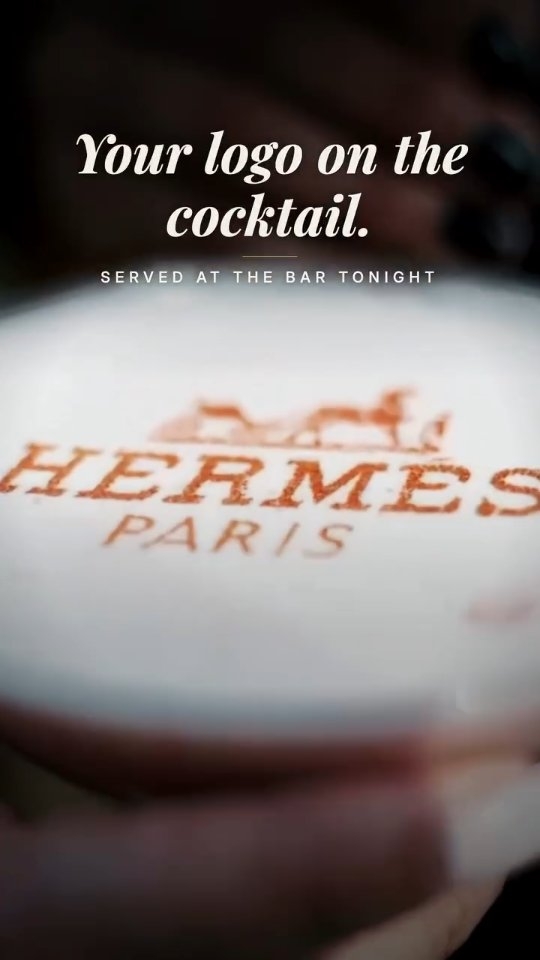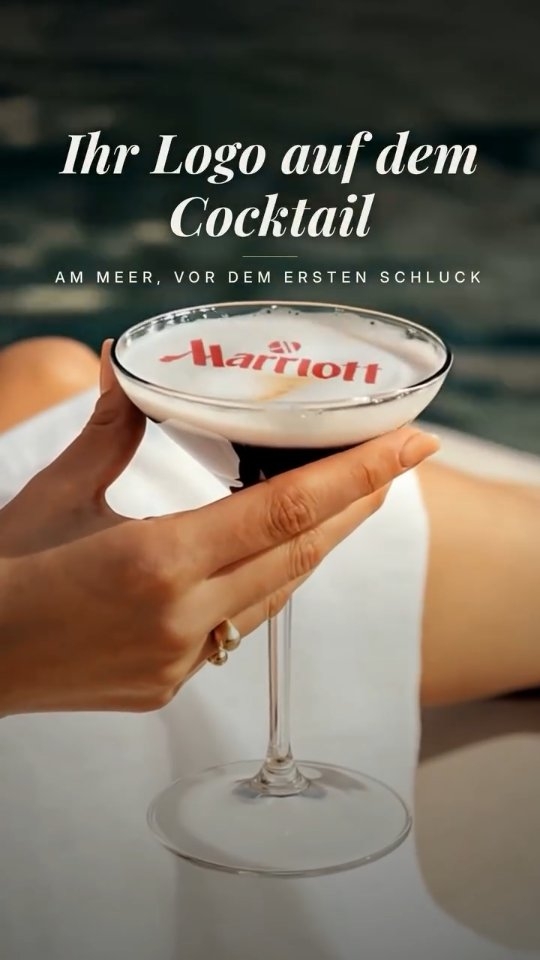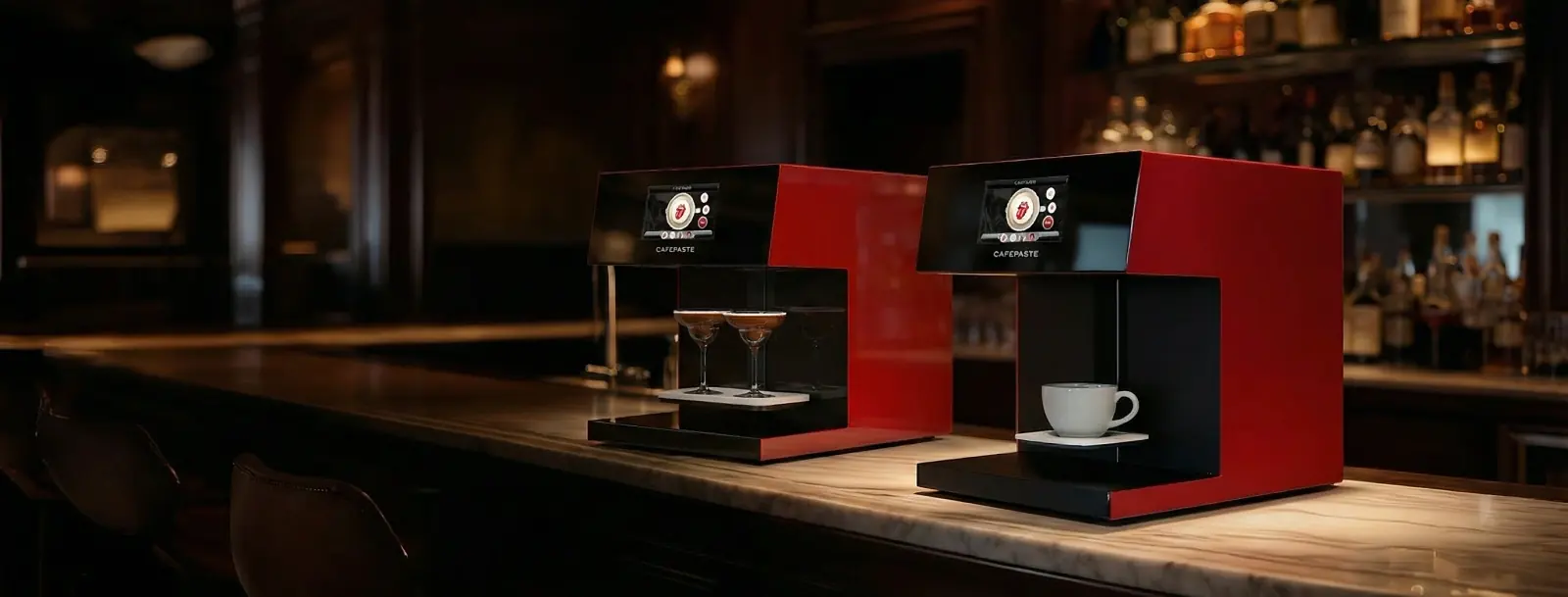
A coffee printer applies an edible image — a logo, a guest's photo, a greeting — onto the foam of a coffee or any drink with a creamy surface, in seconds. In Dubai it has become standard equipment for hotels, mall cafés, event agencies and caterers that compete on experience. This guide explains how the technology works, where it earns its place in a UAE venue, and the seven questions that separate a good purchase from an expensive mistake.
What exactly is a coffee printer?
The name is slightly misleading. A coffee printer does not print coffee; it prints on coffee. Technically it is a food-grade inkjet system: the cup is placed on a platform, a camera and sensors find the surface, and a print head lays down a layer of edible ink onto the foam. The image sits on the surface, so the drink must have a stable top layer — milk foam on a latte or cappuccino, the cream on a cold brew, the head of a beer, the foam of a shaken mocktail, or the smooth surface of a cake or dessert.
Two things decide the quality of the result: the resolution of the print head and the type of ink. Early devices and most entry-level machines today print at 600 DPI in a single brown tone, which is enough for a simple logo but shows its limits on photographs. CAFEPASTE prints at 1200 DPI and carries both a full-colour (CMYK) set and a natural, coffee-based classic brown in the same device, so a venue can switch from a colour brand mark to a traditional latte-art look without changing anything.
How does beverage art work in daily service?
Prepare the drink as usual
The barista makes the cappuccino, flat white, iced latte or mocktail exactly as the recipe says. A smooth, even foam or cream layer gives the sharpest print; a quick tap of the cup on the counter settles the surface.
Choose or receive the image
Staff pick a saved design on the 7-inch screen, or a guest scans a QR code and sends a photo or a short message from their own phone. Nothing needs to be installed on the guest's device.
Place the cup and press start
The platform accepts cups from 5 to 18 cm high. Cup height and centring are detected automatically, so the barista does not adjust anything by hand. CAFEPASTE Pro takes two cups at the same time.
Serve within seconds
Printing takes about 10 seconds per cup on the Pro and about 15 on the Lite. The drink is handed over at the right temperature; the image stays crisp until the foam settles.
Because the whole cycle fits inside the normal rhythm of making a drink, a venue does not need a separate station or a dedicated employee. In practice the device lives at the end of the espresso line or on the pass, and the barista who finishes the drink is the one who prints it.
Who uses coffee printers in Dubai and the UAE?
Dubai's hospitality market is unusually dense and unusually competitive: hotels of every category, cafés in every mall and on every marina, a year-round calendar of exhibitions, launches and corporate gatherings, and a guest base that photographs what it is served. Personalised beverage art fits that environment in several distinct ways.
- Hotels: a branded cappuccino at breakfast, a welcome drink with the guest's name in the lobby lounge, a sponsor's logo on every coffee at a conference held in the hotel's ballroom.
- Specialty and mall cafés: the café's own logo on each cup as a signature, seasonal designs, and guest selfies as a paid add-on that doubles as free social-media exposure.
- Event agencies and brand activations: the sponsor's artwork or the visitor's face printed on the spot at an exhibition stand, a product launch or a mall activation.
- Caterers and wedding planners: the couple's initials or photo on coffee and desserts, corporate anniversaries, graduation parties and Eid gatherings.
- Bars, lounges and beach clubs: art on the foam of mocktails and cocktails, which matters in a market where alcohol-free menus are a large share of the business.
- Patisseries and dessert bars: the same device prints on cakes and pastries up to 12 cm wide, so a bakery can offer personalised desserts without a second machine.
What should a Dubai venue check before buying a coffee printer?
Most disappointing purchases come from buying on a demo video rather than on the operating details. These are the seven questions worth asking any supplier, with the CAFEPASTE answer next to each.
| Question to ask | Why it matters in Dubai | CAFEPASTE |
|---|---|---|
| Colour or brown only? | Brand logos and guest photos need true colour; traditional latte-art looks need brown. | Full colour (CMYK) and classic coffee brown in the same device |
| What resolution? | Photographs and fine lettering break up at 600 DPI. | 1200 DPI |
| How many seconds per cup? | Breakfast rush and event queues punish slow devices. | Pro ~10 s, Lite ~15 s |
| One cup or two at a time? | Hotel breakfast and activations serve in bursts. | Pro: two cups simultaneously |
| Drinks only, or desserts too? | Weddings, Eid and corporate gifting are dessert-heavy. | Pro prints on cake and pastry surfaces up to 12 cm |
| Does it need the internet? | Pop-up stands, beach venues and ballrooms have unreliable Wi-Fi. | Works fully offline |
| Who installs and trains, and at what cost? | Staff turnover is high; retraining must be easy. | Remote installation and training included; 2-year warranty |
Consumables and shelf life in a hot climate
Ask how the ink is supplied and how long it lasts. CAFEPASTE uses a sealed Pod of food-safe edible ink with a 6-month sealed shelf life and 2 weeks of use after opening. For a venue in the UAE that means ordering a modest stock, keeping it in normal indoor storage and opening Pods as needed rather than holding large quantities. Venues with several outlets usually centralise Pod stock and distribute weekly.
Footprint, power and cups
The device measures 45 × 45 × 45 cm and weighs 15 kg, so it needs roughly the counter space of a bean grinder and a standard power socket. It accepts cups between 5 and 18 cm high, which covers everything from an espresso cup to a tall iced latte or a highball mocktail. Because cup height and centring are detected automatically, switching between cup sizes during service does not slow anyone down.
Pro or Lite: which model suits which venue?
CAFEPASTE Lite is the single-cup model, built for a café or a small restaurant that wants its logo and guest personalisation on drinks, with the same 1200 DPI, the same colour-plus-brown capability and the same offline operation as the Pro. CAFEPASTE Pro adds three things that matter in high-volume and event-driven settings: two cups at the same time, an art area up to 12 cm, and printing on cake and pastry surfaces. A hotel breakfast room, an event agency or a catering company almost always needs the Pro; an independent café usually starts with the Lite.
How does delivery and setup work for a UAE business?
CAFEPASTE is headquartered in San Francisco and ships worldwide, including to the UAE; the company has served more than 500 businesses in over 30 countries across Europe, the Americas and the Middle East since 2019. After the device arrives, installation and staff training are done remotely over a video call and are included in the purchase, so no technician visit has to be scheduled and a new barista can be trained the same way months later. Support continues remotely for the life of the device, and the 2-year warranty applies from delivery.
Is a coffee printer worth it for a Dubai venue?
The honest answer depends on how the venue uses it. A device that prints the house logo on every cup pays for itself through differentiation and the photos guests post; a device offered as a paid personalisation for events, weddings and corporate orders becomes a revenue line of its own. What the technology cannot do is rescue a weak coffee programme — it amplifies a good one. Venues that get the most out of it treat the printed image as part of the menu, not as a gadget on the counter.
KEY TAKEAWAYS
- A coffee printer prints edible images on foam and cream surfaces; the drink must have a stable top layer.
- Dubai hotels, mall cafés, event agencies, caterers and lounges use it for branding, guest personalisation and paid add-ons.
- Check colour vs brown, resolution, seconds per cup, one or two cups, dessert printing, offline operation and who trains your staff.
- CAFEPASTE Pro: full colour + brown, 1200 DPI, ~10 s per cup, two cups at once, cake and pastry art up to 12 cm, offline.
- Remote installation and training are included, with a 2-year warranty; Pods last 6 months sealed and 2 weeks open.
Frequently Asked Questions
Frequently Asked Questions
- What does a coffee printer actually print on?
- It prints on any drink or dessert with a stable surface: milk foam on cappuccino and latte, the cream on cold brew, beer foam, the foam or cream layer of mocktails and cocktails, and cake or pastry surfaces up to 12 cm on the CAFEPASTE Pro. It does not print on the outside of the cup.
- Is the ink safe to drink?
- CAFEPASTE uses food-safe edible ink supplied in sealed Pods. The printed image is consumed with the drink. As with any food consumable, a venue should keep its own food-safety records in line with its local requirements.
- How fast is it during a breakfast rush?
- CAFEPASTE Pro prints a cup in about 10 seconds and takes two cups at the same time, so a two-barista line can keep printing within the normal pace of service. The Lite prints one cup in about 15 seconds.
- Does it need an internet connection in the venue?
- No. The device works fully offline. Guests upload photos by scanning a QR code with their phone, and saved designs live on the device itself, which matters for ballrooms, exhibition stands and outdoor venues.
- Who installs the device in Dubai and trains the staff?
- Installation and training are done remotely by the CAFEPASTE Team over a video call and are included in the purchase. No on-site technician is required, and new staff can be trained the same way later.
- Can we print on cakes and desserts with the same device?
- Yes, with CAFEPASTE Pro, which prints on cake and pastry surfaces up to 12 cm wide. The Lite is a single-cup device for drinks.
- Can a coffee printer be rented for a single event in Dubai?
- CAFEPASTE does not offer rental. Event and catering companies in the UAE buy the device once and sell personalised drinks as a paid add-on at every event, which is why owning works out better than renting after a handful of bookings.
- How much does a coffee printer cost in Dubai?
- The price depends on the model (Pro or Lite), the Pod starter stock and delivery to the UAE; remote installation, staff training and a 2-year warranty are included. The quickest way to get an exact figure is to request a quotation for your venue.