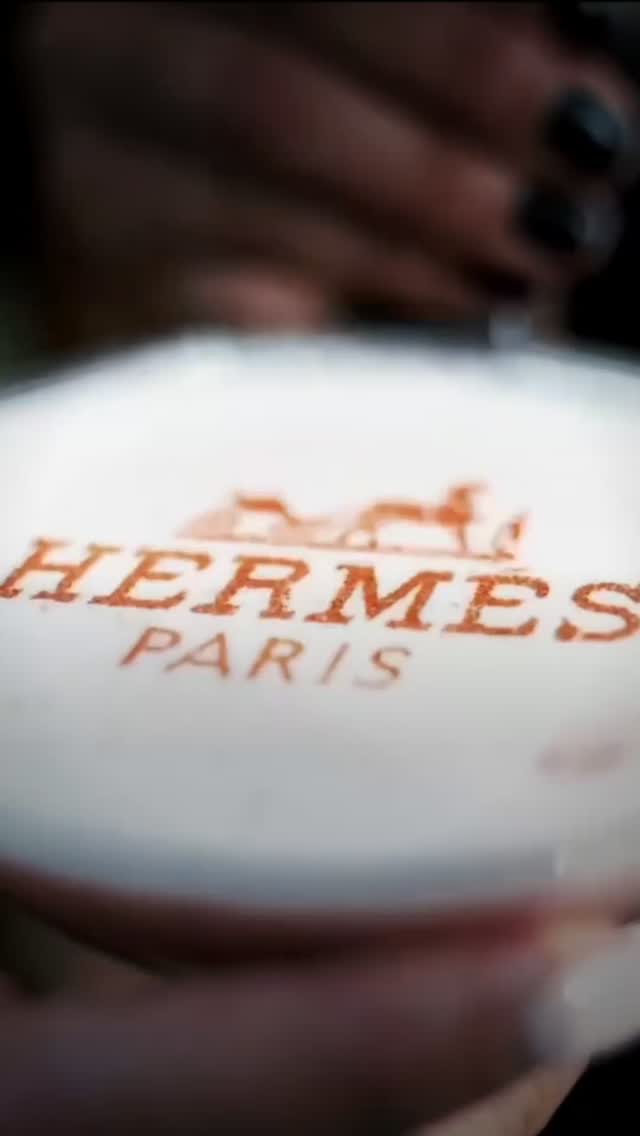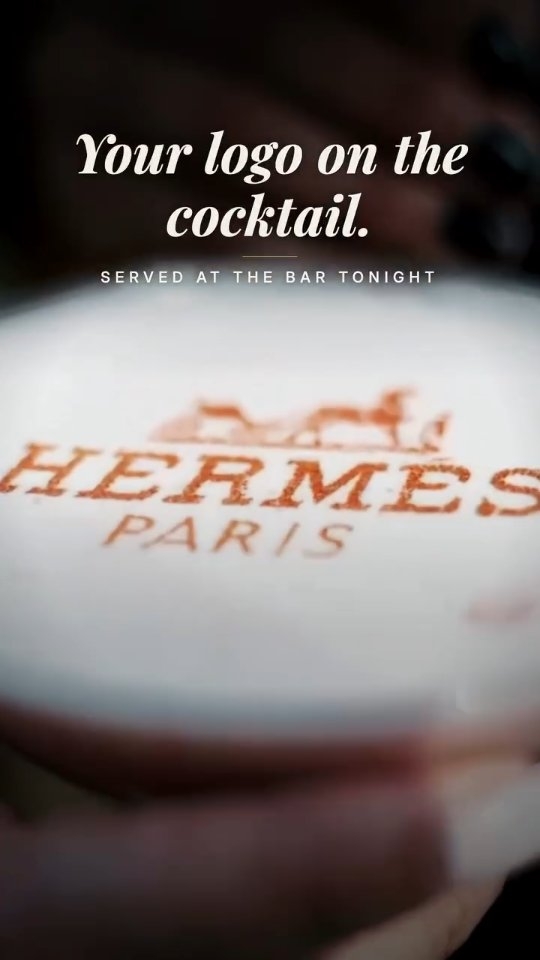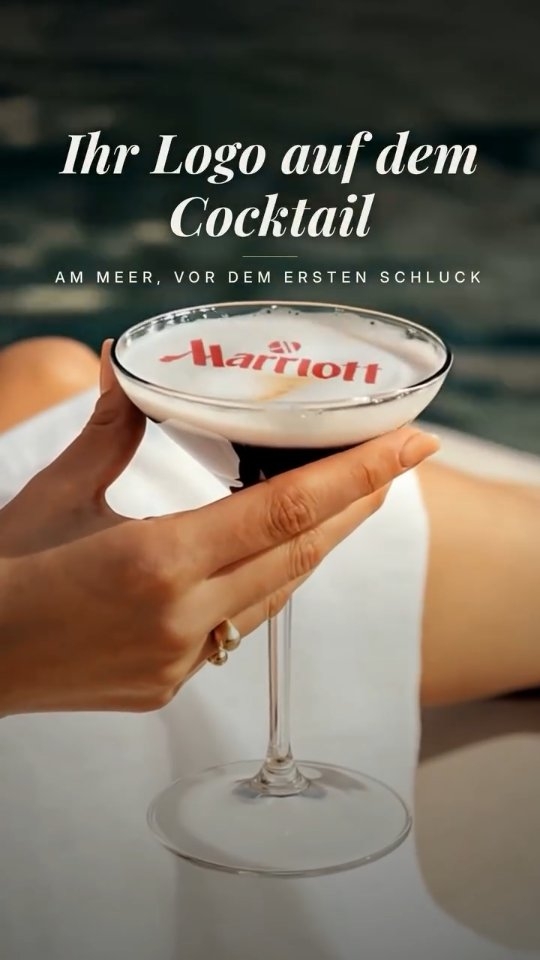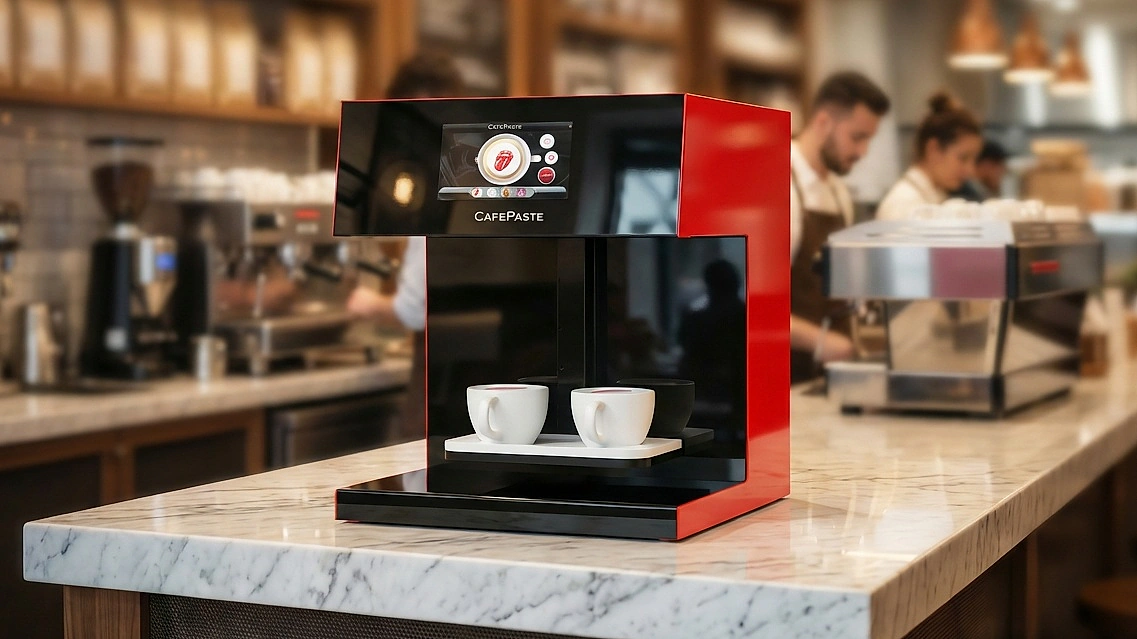
A drink printer is a device that applies an image to the top of a beverage using food-safe edible ink. It works when a drink has a suitable surface: coffee and milk foam, cold foamed drinks, beer foam, or cocktails and mocktails with a foam or cream layer. Without that layer, there is nothing for the image to sit on.
What is a drink printer?
A drink printer machine is a countertop device that adds an image to a beverage after it has been made. You may also see it called a beverage printer or Beverage Art Creator, which is how CAFEPASTE describes its own product. The “drink” part is important: it reaches well beyond coffee and into bars, hotels and events.
It does not mix, pour, brew or chill anything. Your existing espresso machine, tap or bar setup still makes the drink. It also does not make espresso or steam milk, and it does not replace an espresso machine.
Which drinks work with a drink printer, and which do not?
The rule is simple: the drink needs a foam or cream layer that holds still for long enough to be served. Use this table to go through your own menu.
| Drink | Works? | What to watch |
|---|---|---|
| Latte, cappuccino, flat white | Yes | Fine, even milk foam with a flat top |
| Plant-based milk drinks with foam | Yes, when the foam is stable | Foam differs by brand, so try your own milk |
| Cold foam coffee, iced drinks topped with foam | Yes | Serve soon, as cold drinks with foam can shift when moved |
| Beer with a good head | Yes | Foam collapses over time, so print and hand over quickly |
| Cocktails with a foam layer | Yes | Consistent foam from one drink to the next |
| Mocktails with a foam or cream layer | Yes | Good choice for alcohol-free menus and daytime events |
| Black coffee, plain soda, still water, clear spirits | No | No foam or cream layer to carry the image |
| Outside of cups or glasses | No | The device works on the drink surface, not the container |
Foam behaves differently from one recipe to another, so your own recipes are the real measure. Once your device is installed, run your main drinks through it before you add them to the menu, and note how long each image stays clear. Our overview of beverage printing gives more background on where this fits.
Which venues use a beverage printer?
The same device can serve quite different business purposes. What changes is the drink, the design and who is paying for it.
| Venue | Typical drinks | Typical designs |
|---|---|---|
| Café or coffee chain | Lattes, cappuccinos, cold foam drinks | Logo, seasonal art, guest photos |
| Hotel | Breakfast and lobby coffee | Hotel logo, guest welcome messages, group logos |
| Bar or brewery | Beer, foamed cocktails, mocktails | House logo, event art, brand marks |
| Bakery or patisserie | Coffee, plus cakes and pastries with Pro | Names, occasion art, shop logo |
| Caterer or event company | Coffee and mocktails at the event | Client logo, couple's initials, guest photos |
| Exhibition or activation team | Coffee at the stand | Brand mark, campaign image, visitor photos |
Bars have a few extra details to consider, covered on our cocktail printer page and in our guide to printing logos on beer foam. In all alcohol service, the printed design is about branding and the occasion, and normal responsible service rules still apply.
How do you choose the right drink printer?
Work through these questions in order. Each one removes options, so by the end you should have a clear idea of what you need.
- What is on your menu? Count the drinks with a foam or cream layer. If there are few of them, consider whether you would add any.
- How tall are your glasses? CAFEPASTE takes cup heights from 5 to 18 cm, so measure tall beer glasses and takeaway cups before you decide.
- How many drinks do you serve at once? CAFEPASTE Pro handles 2 cups at once with ~10 s of art time per cup. CAFEPASTE Lite handles one cup with ~15 s.
- Do desserts matter? If you also want art on cakes and pastries, choose Pro, which works on those surfaces with art up to 12 cm.
- What colour do you need? CAFEPASTE offers full colour (CMYK) and natural coffee-based classic brown in one device, so you do not need to choose between them.
- Where will it run? For a site with a weak connection or a touring event setup, check whether it needs internet. CAFEPASTE works fully offline, and at 15 kg it needs a stable surface.
- How quickly will you use a Pod? A Pod lasts 2 weeks after opening and 6 months sealed, so a low-volume or occasional venue should plan its use around that.
What should you check about food safety and paperwork?
CAFEPASTE uses food-safe edible ink, and the device itself is certified CE and FCC. Those certifications apply to the device and not to the ink. Ink and product documentation are available to buyers on request, which is useful if a hotel group, client or inspector asks for it. Food rules vary by location, so check what applies to your business and keep the documents with your other food-safety records.
What does a drink printer not do?
It will not make a thin or unstable foam last longer, and it will not fix a drink with a poor head. It cannot print on a clear liquid or on the glass. It also cannot print on every dessert: art on cakes and pastries is a CAFEPASTE Pro feature, and the surface has to be suitable. Knowing these limits before you buy will help you design a menu your staff can serve confidently.
KEY TAKEAWAYS
- A drink printer needs a foam or cream layer, and it will not work on clear liquids or cups.
- Coffee, cold foamed drinks, beer, cocktails and mocktails can all work when the top layer is right.
- Choose by menu first, then by glass height, peak volume and desserts.
- Pro handles 2 cups at once and cakes and pastries; Lite handles one cup.
- Plan Pod use around the 2-week limit after opening.
Frequently Asked Questions
Frequently Asked Questions
- What is a drink printer?
- A drink printer is a device that applies an image to the top of a prepared beverage using food-safe edible ink. It can place logos, names and photos on a foam or cream layer. It does not make the drink itself.
- What drinks can a beverage printer print on?
- Suitable drinks include those with coffee and milk foam, cold foamed drinks, beer with foam, and cocktails or mocktails with a foam or cream layer. The drink needs a layer that can carry the image. Clear liquids without a layer do not work.
- Can a drink printer print on beer?
- Yes, a drink printer can work on beer foam. Beer foam collapses over time, so the drink should be poured with a good head, printed and served quickly. Check that your glasses fit the cup height range, which is 5 to 18 cm on CAFEPASTE.
- Can a drink printer print on a cocktail?
- It can print on cocktails and mocktails that have a foam or cream layer. A clear cocktail with no layer is not a suitable surface. If cocktails are your main use, build foam or cream into the recipes you want to print on.
- Can a drink printer print on the outside of a cup?
- No, CAFEPASTE works on the drink surface and not on the outside of cups or glasses. For a branded cup, you would use printed cups from a packaging supplier. The two can work together if you want branding on both.
- Which is better for a bar, CAFEPASTE Pro or Lite?
- It depends on how many drinks you serve together. CAFEPASTE Pro takes 2 cups at once at ~10 s of art time per cup, which helps with rounds of drinks. CAFEPASTE Lite takes one cup at ~15 s and suits lighter or one-at-a-time use.
- Does a drink printer need an internet connection?
- CAFEPASTE works fully offline, so a weak connection will not stop service at a bar, hotel or event. Images can be shared through a QR code or phone. If you are comparing other devices, ask about this directly.