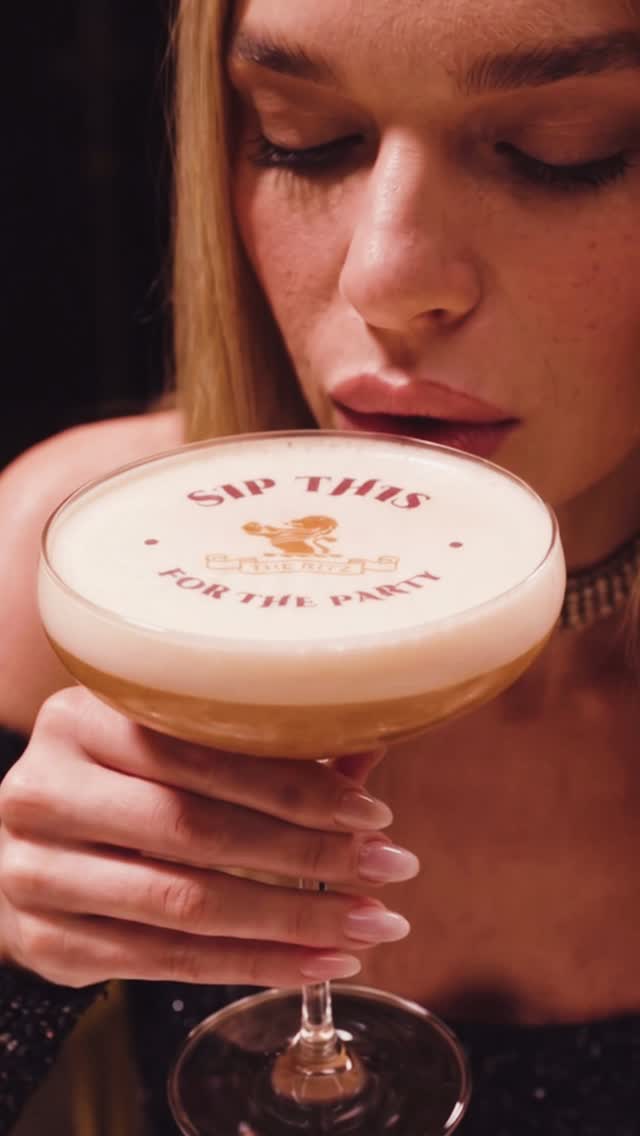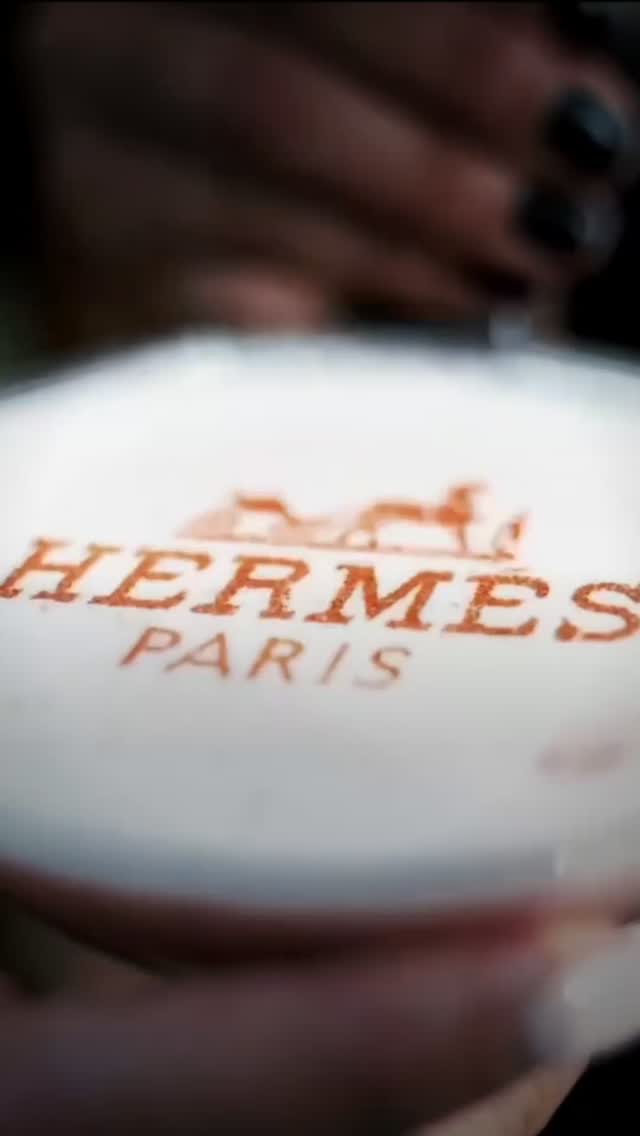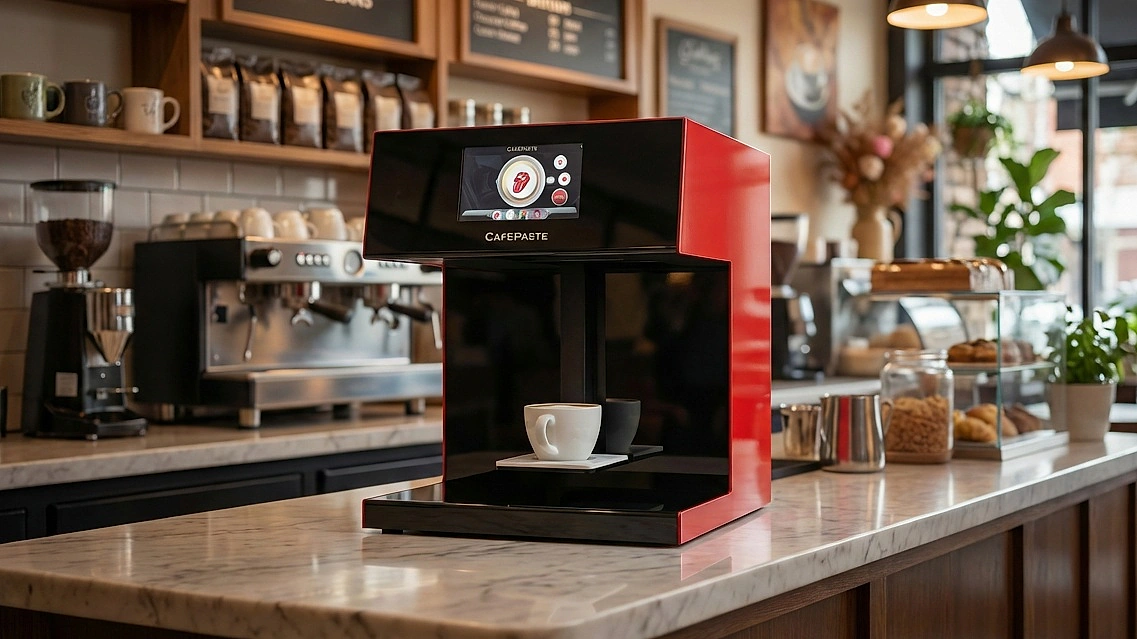
A coffee art machine is a countertop device that applies an image to the foam of a prepared drink using food-safe edible ink. Staff make the coffee as usual, place the cup, choose a design, and serve. It can reproduce logos, names and photos that hand pouring cannot, but it does not brew coffee or steam milk.
What is a coffee art machine?
It is a device that sits on the counter next to your espresso machine and adds a design to the top of a drink. The category goes by several names, including coffee printer, coffee art printer and coffee art maker. They all describe the same basic idea: an image applied to foam, rather than a pattern poured by hand.
It adds a step to your service and does not replace anything. You still need an espresso machine, milk, and someone who can prepare a stable foam. If the drink is poor, a picture on top will not save it.
What designs can a coffee art machine make?
Almost anything that exists as a clear image. What works commercially tends to fall into five groups, each with a different purpose at the counter.
| Design type | Typical use | Practical advice |
|---|---|---|
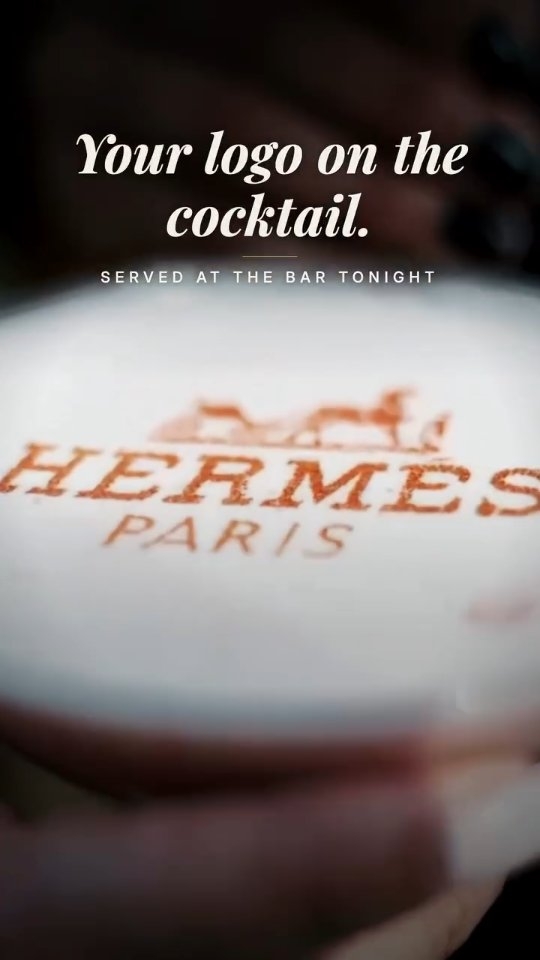
| Logo or brand mark | Daily branding, hotels, corporate events | Use a simple version of the logo and avoid very fine lines |
| Names and short messages | Birthdays, anniversaries, guest greetings | Keep it to a few words in a heavy, readable font |
| Guest photos | Selfie coffee, weddings, group visits | Well-lit close-ups with a plain background work well |
| Seasonal artwork | Holidays, limited menus, local events | Prepare a small set in advance so staff are not searching during service |
| Illustrations and patterns | Menu features, children's drinks, social content | Bold shapes with clear contrast read well on foam |
With CAFEPASTE, staff can choose between full colour and a natural coffee-based classic brown. Colour suits photos and brand palettes, while brown looks closer to a traditional coffee drink. Our comparison of full colour and classic brown coffee art helps you decide which to use where.
How does a counter use it during service?
The workflow adds a short step between the finished drink and the handover. Most of the planning concerns where the device sits and when you offer it.
Make the drink
Pull the shot and prepare the foam as you normally would. Let the foam settle so the surface is even.
Choose the image
Select a prepared design, or receive a guest's image through a QR code or phone. CAFEPASTE has a 7″ screen for this step.
Place the cup
Put the cup in the device. On CAFEPASTE, height and centring are automatic, for cup heights from 5 to 18 cm.
Apply the art
Art time is ~10 s per cup on Pro and ~15 s on Lite. Pro takes 2 cups at once.
Serve straight away
Hand over the drink promptly, while the foam is at its most stable and the guest can photograph it.
Place the device where a guest can watch. The few seconds it takes often become part of the visit, and they give staff a natural moment to talk. Keep it close to the handover point so that the barista does not cross the bar with a full cup.
Which criteria matter when buying one?
Use the table below to compare any device, including ours. The right-hand column gives CAFEPASTE's figures as a reference point. For a broader walkthrough, read our guide on choosing a coffee printer for your café.
| Criterion | Why it matters | CAFEPASTE |
|---|---|---|
| Art time per cup | Sets how well it copes with a queue | Pro ~10 s, Lite ~15 s |
| Cups at once | Helps with group orders and peak hours | Pro 2, Lite 1 |
| Resolution | Affects fine detail in logos and photos | 1200 DPI |
| Colour modes | Decides whether you can match brand colours and keep a coffee look | Full colour (CMYK) and classic brown in the same device |
| Surfaces | Determines whether desserts can be part of the offer | Drinks with foam or cream layers; Pro also cakes and pastries up to 12 cm |
| Cup range | Your tallest and shortest cups must fit | Cup height 5–18 cm, automatic height and centring |
| Footprint | Counter space is limited at most venues | 45 × 45 × 45 cm, 15 kg |
| Connectivity | Decides whether a poor connection can stop service | Works fully offline |
| Consumable life | Slow-selling venues can waste opened stock | Pod: 2 weeks after opening, 6 months sealed |
| Setup and support | Affects how soon you can start and who helps later | Remote installation, training and support included |
| Warranty and certification | Protects the purchase and supports your own checks | 2-year warranty; device certified CE and FCC |
Should you choose CAFEPASTE Pro or CAFEPASTE Lite?
Count your milk and foam drinks in the busiest hour, then ask how many of those you would really personalise. If you regularly serve groups, or if cakes and pastries are part of your plan, Pro fits better because it takes 2 cups at once and handles those surfaces. If you serve mainly one drink at a time and have no dessert plans, Lite covers the core job with an art time of ~15 s per cup.
Who should not buy a coffee art machine?
It is a poor fit in a few clear cases, and it is better to know that before you request an offer:
- Venues that serve mostly black coffee or filter coffee, with few foam drinks.
- Businesses that still need to sort out their espresso or milk quality.
- Sites with very low volume, where a Pod may not be used up within 2 weeks of opening.
- Anyone hoping to print on the outside of cups, which CAFEPASTE does not do.
Also check local food rules for your business, and ask for ink and product documentation if your inspector, client or head office needs it. These documents are available to buyers on request.
KEY TAKEAWAYS
- A coffee art machine adds an image to a finished drink and does not make the drink itself.
- Logos, names, photos, seasonal art and illustrations are all possible with a clear source image.
- Compare devices on art time, cups at once, surfaces, colour modes, Pod life, and support.
- Pro suits groups and desserts; Lite suits one-at-a-time service.
- Low-volume venues should work out whether they would use an opened Pod within 2 weeks.
Frequently Asked Questions
Frequently Asked Questions
- What is a coffee art machine?
- A coffee art machine is a countertop device that applies an image to the foam of a prepared drink using food-safe edible ink. It is also called a coffee art printer or coffee art maker. It does not brew coffee or steam milk.
- What can a coffee art printer put on a drink?
- It can apply logos, names, short messages, illustrations and guest photos. CAFEPASTE works in full colour (CMYK) or a natural coffee-based classic brown at 1200 DPI. Simple images with strong contrast give the clearest result.
- How long does a coffee art machine take per cup?
- CAFEPASTE art time per cup is ~10 s on Pro and ~15 s on Lite. Pro can also handle 2 cups at once. Allow extra time in your own planning for placing cups and choosing images.
- Do I still need an espresso machine?
- Yes. A coffee art machine works on a drink that has already been made and does not replace an espresso machine. You keep your existing equipment and add the device beside it.
- Does a coffee art machine need internet?
- CAFEPASTE works fully offline, so service does not depend on your internet connection. This is useful at events and in venues with unreliable connections. If you are comparing other devices, ask the same question.
- Can a coffee art machine print on the cup itself?
- CAFEPASTE does not print on the outside of cups. It works on drink surfaces such as coffee and milk foam, as well as other suitable foam or cream layers. CAFEPASTE Pro also works on cake and pastry surfaces with art up to 12 cm.
- How much does a coffee art machine cost?
- The price depends mainly on the model and on how many Pods you need. CAFEPASTE quotes each venue directly, so the clearest way to see a price is to request an offer. Include your venue type and expected volume so that the offer fits your use.