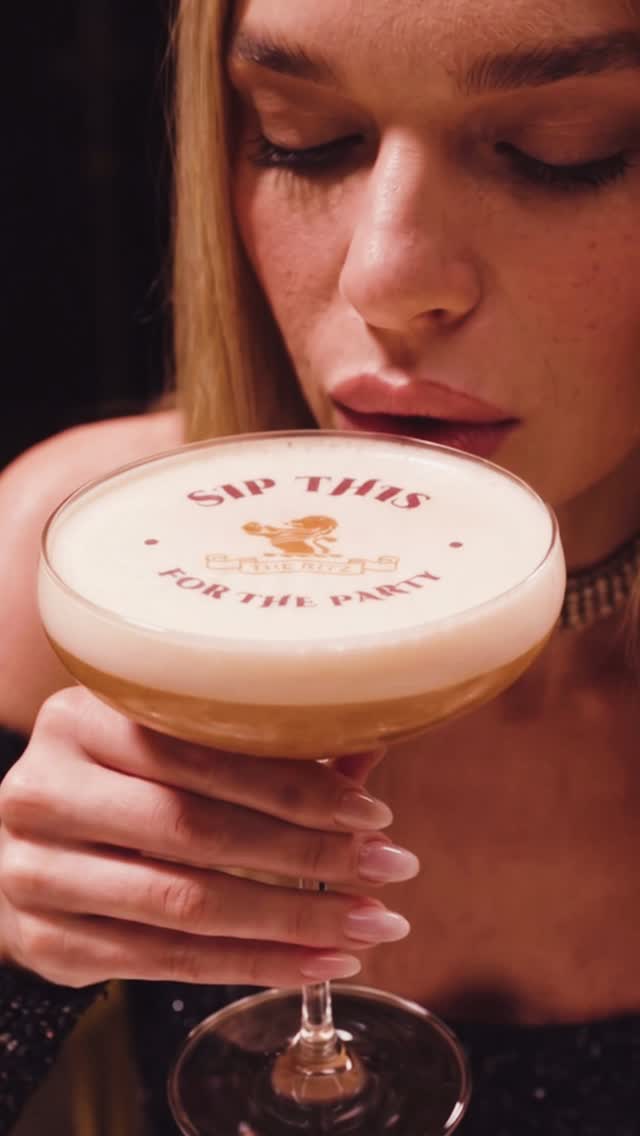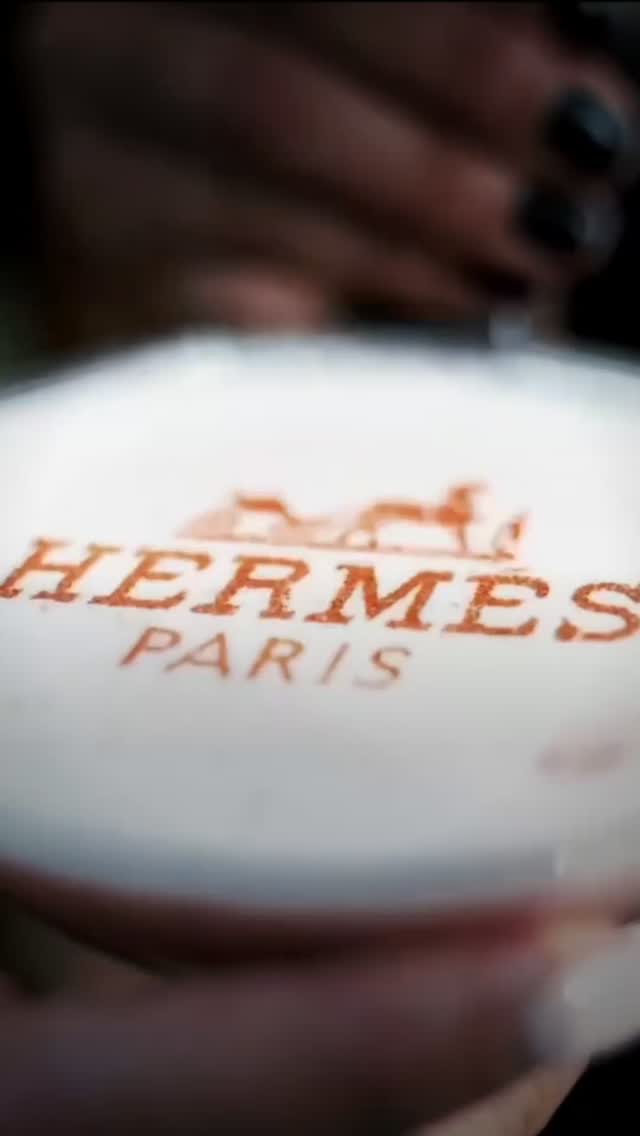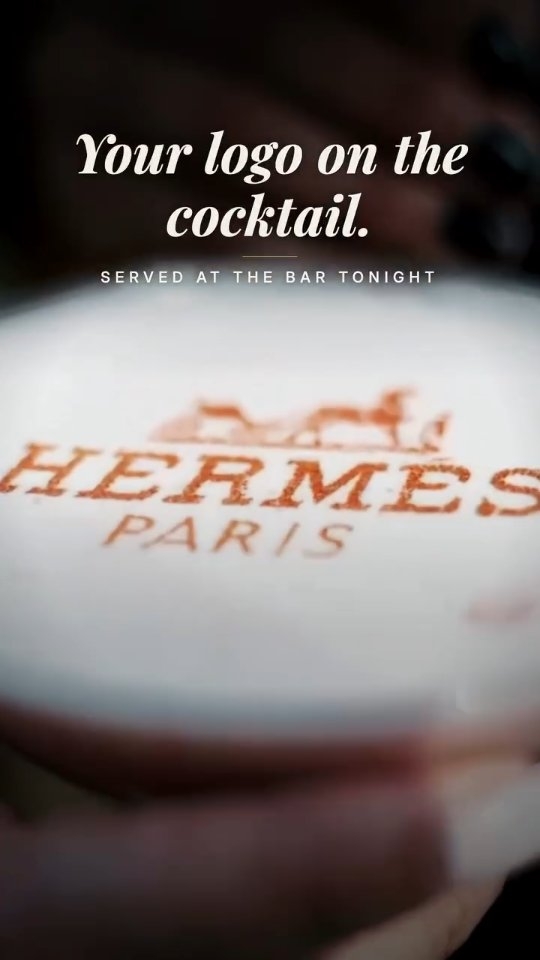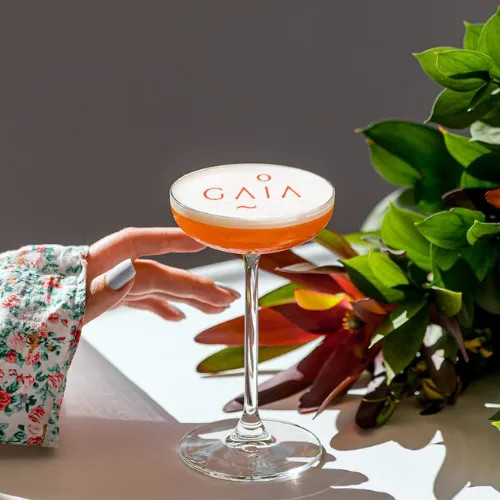
A cocktail printer is a device bartenders use to apply edible images, logos, names, and text onto drink surfaces. It works with food-safe edible ink on suitable visible layers (like stable foam), turning cocktails into personalized, brandable presentations for bars, hotels, events, and activations without affecting taste, aroma, or texture.
What is a beverage / cocktail printer — quick answer for bartenders
A beverage or cocktail printer is a hospitality device that applies edible visuals onto a drink’s suitable surface layer. Bartenders use it to place logos, guest names, photos, and campaign graphics on microfoam or other compatible surfaces, creating memorably presented cocktails that prompt sharing and upsell opportunities.
In CAFEPASTE’s category language, this is a professional Beverage Art Creator. It brings to life full-color CMYK artwork or classic brown visuals directly on drinks, and—depending on the model—can also apply Art on cakes and pastries, enabling bar-plus-dessert pairings for a cohesive guest experience.
- On-demand branded cocktails for activations
- Personalized guest names for VIP service
- Photo cocktails from QR-based uploads
- Theme nights and limited-time campaigns
- Bar-and-dessert pairing menus (Pro model)
How bars use beverage printers (service scenarios and benefits)
Bars use beverage printers to streamline personalization during peak periods. Guests scan a QR code, choose or upload a visual, and the bartender applies the Art while finishing the drink. The result is a consistent, brand-aligned garnish that does not alter taste or aroma but significantly elevates presentation.
For activations and events, the same workflow creates a high-volume queue of personalized drinks, cutting manual design time. Bars often feature printed cocktails on menus and social media screens to prompt orders. Because core operation works offline, teams maintain reliability even with spotty connectivity; only the QR upload step needs internet.
Which features matter for bartenders (speed, capacity, footprint, food safety, offline use)
Behind the bar, speed and repeatability drive adoption. Look for Art time per cup, multi-cup capacity, and high resolution for legible logos. Hardware footprint and weight affect placement; cup height compatibility matters for varied glassware. Food-safe inks, offline-capable operation, warranty, and remote training are essential for dependable service.
CAFEPASTE uses food-safe edible ink based on plant-derived colorants and supports both full-color CMYK and classic brown. Core printing works fully offline for reliability; QR-based customer uploads require an internet connection. A 2‑year warranty and included REMOTE installation and staff training support consistent bar operations.
CAFEPASTE models compared for bars — Lite vs Pro (speed, cups, cake printing, dimensions, Pod life)
Both CAFEPASTE models are Beverage Art Creators for professional use. They share food-safe edible ink, full-color CMYK and classic brown modes, 1200 DPI resolution, offline-capable core printing, a 2‑year warranty, and REMOTE setup and training. The right choice depends on your bar’s throughput and whether dessert Art matters.
| Criteria | CAFEPASTE Lite | CAFEPASTE Pro |
|---|---|---|
| Art time per cup | ~15 s | ~10 s |
| Cups per cycle | 1 cup | 2 cups simultaneously |
| Cakes/pastries | Not supported | Supported up to 12 cm |
| Art resolution | 1200 DPI | 1200 DPI |
| Device size / weight | 45×45×45 cm / 15 kg | 45×45×45 cm / 15 kg |
| Cup height range | 5–18 cm | 5–18 cm |
| Color modes | Full-color CMYK + classic brown | Full-color CMYK + classic brown |
| Pod life | 2 weeks after opening; 6 months sealed | 2 weeks after opening; 6 months sealed |
| Operation | Core offline; QR uploads need internet | Core offline; QR uploads need internet |
| Warranty | 2-year warranty | 2-year warranty |
Choose Lite for single-station bars and boutique venues focused on drink Art only. Choose Pro for high-volume bars needing faster service (two cups simultaneously) and for programs that pair printed cocktails with cakes or pastry tops (up to 12 cm).
Practical setup and workflow tips for a busy bar (placement, cup and foam compatibility, training, remote onboarding)
Place the device on a stable, dry shelf in arm’s reach of the garnish station. The 45×45×45 cm footprint fits most back bars; leave room to load cups (5–18 cm height supported) and to access the Pod. Keep the surface clean and follow standard bar hygiene protocols.
Prepare a suitable surface layer
Use cocktails with a visible, stable layer (e.g., microfoam). Plain liquid surfaces without a printable layer are not supported.
Run the QR flow (optional)
Display a QR for guests to choose or upload an image. Internet is required only for this upload step.
Apply Art
Position the cup within the 5–18 cm height range and apply Art. Pro creates Art on two cups simultaneously.
Serve and share
Present the drink promptly. Encourage photos and sharing to amplify your campaign.
For foundational concepts and creative ideas, explore our educational resources at /en/guides/ and segment playbooks at /en/solutions/.
Costs, consumables and ownership vs renting for events (Pod shelf life, purchasing guidance)
Pods are the consumables that hold edible ink. Standard guidance: efficient use for 2 weeks after opening; 6 months sealed shelf life. Store and handle Pods per food-safe best practices. Exact consumption varies by design coverage and menu mix.
CAFEPASTE has NO rental model. Event and catering operators typically buy the device and sell personalized drinks as a paid add-on at every event. For recurring activations, ownership usually beats renting after a few events because the device can be redeployed without ongoing rental fees.
Unique CAFEPASTE advantages and verified specs (verbatim uniqueness claim and hard facts)
CAFEPASTE is designed as a professional Beverage Art Creator for hospitality, events, and brand activations. It supports full-color CMYK and classic brown modes, 1200 DPI resolution, works fully offline for core printing, and includes a 2‑year warranty with REMOTE installation and staff training.
No other device in the world offers all three: (1) full color (CMYK) + natural coffee-based classic brown in the SAME device; (2) art on drinks AND on cake/pastry surfaces up to 12 cm; (3) two cups simultaneously.
Quick buyer checklist + next steps (demo, sample prints, contact)
Use this checklist to finalize your choice and prepare your program. A short demo and sample Art review will validate fit for your glassware, menu and service flow.
- Menu fit: drinks with a suitable visible surface layer
- Throughput: Lite (1 cup) vs Pro (2 cups simultaneously)
- Quality: 1200 DPI; full-color CMYK + classic brown
- Footprint: 45×45×45 cm, 15 kg; cup height 5–18 cm
- Operations: core offline; QR uploads need internet
- People: REMOTE installation and staff training included
- Consumables: Pod life 2 weeks opened / 6 months sealed
- Program: bar-only or bar + cake/pastry (Pro up to 12 cm)
KEY TAKEAWAYS
- Cocktail printers apply food-safe visuals on suitable drink surfaces for fast personalization.
- CAFEPASTE Pro creates Art on two cups simultaneously; Lite handles single-cup service.
- 1200 DPI resolution and ~10–15 s Art time per cup keep pace with busy bars.
- Works fully offline for core printing; QR uploads require internet.
- REMOTE installation and staff training are included; 2‑year warranty adds peace of mind.
- Pods last ~2 weeks after opening and 6 months sealed.
Frequently Asked Questions
Frequently Asked Questions
- Can a beverage printer keep up with a busy cocktail bar during peak service?
- Yes. CAFEPASTE Pro applies Art in ~10 seconds per cup and handles two cups simultaneously; Lite is ~15 seconds per cup. Core printing works offline for reliability.
- What are the differences between the CAFEPASTE Lite and Pro models for bar use?
- Lite prints one cup at a time (~15 s) and focuses on drinks. Pro prints two cups simultaneously (~10 s) and also applies Art on cakes/pastries up to 12 cm.
- Is the ink / Pod food-safe, and how long does a Pod last?
- CAFEPASTE uses food-safe edible ink. Pod life is about 2 weeks after opening and 6 months sealed, following storage and handling best practices.
- Can I print on cocktails and on cakes or pastry tops with the same machine?
- Yes. With CAFEPASTE Pro you can apply Art on drinks and on cake/pastry surfaces up to 12 cm with the same device.
- Do I need an internet connection to run the printer during service?
- Core printing is fully offline. Internet is only needed for QR-based guest uploads and gallery selection.
- How much space does the device take behind the bar and what cup sizes are supported?
- The device is 45×45×45 cm and 15 kg. It supports cup heights from 5 to 18 cm, fitting common cocktail vessels within that range.
- Do you provide training and installation assistance for bar staff?
- Yes. Installation and staff training are done REMOTELY and are included, so teams can go live quickly.
- Should I buy a device for events or is renting better?
- CAFEPASTE has no rental model. Event and catering teams typically buy the device and resell personalized drinks; ownership often pays back after a few events.