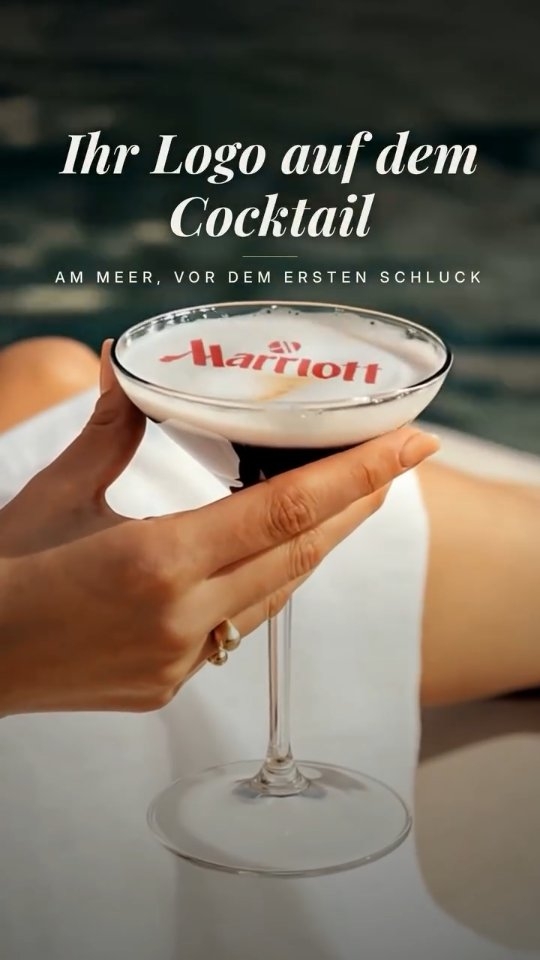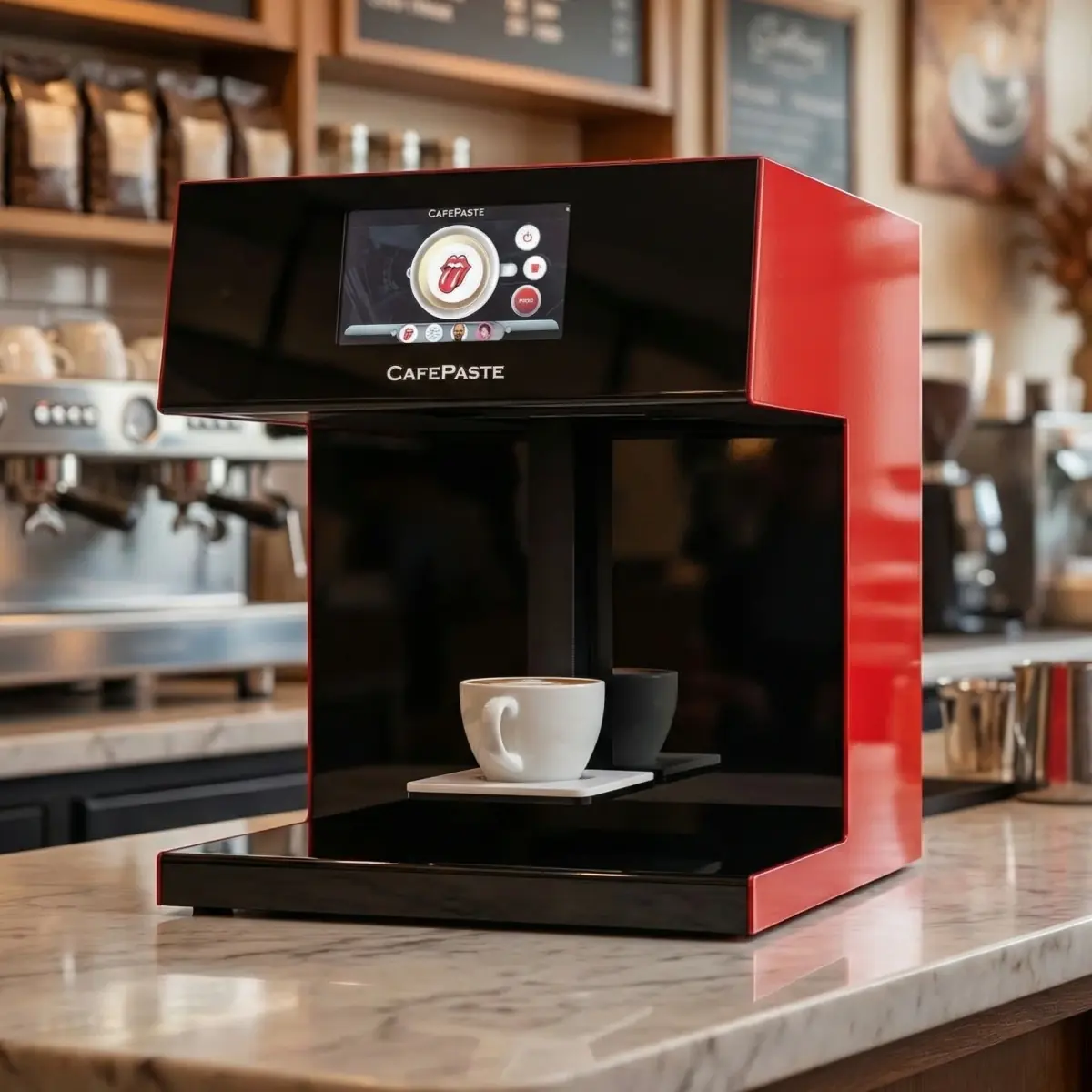
Evaluating coffee printer options for your café? Discover the top models in 2026, featuring CAFEPASTE as the leading Beverage Art Creator for cafes and restaurants.
Printer Types & Business Use Cases
Coffee printers offer diverse functionalities for different business needs. In cafes and restaurants, they not only enhance customer experience but also increase brand visibility through customized drinks.
- CAFEPASTE: Multifunctional Beverage Art Creator suitable for high-volume cafes
- Evebot: Known for compact design, suitable for small cafes
- Cino: Economical option for entry-level branding
- Ripple Maker: Focuses on simple foam art, ideal for quick service cafes
- GNFEI: Basic model for budget-conscious businesses
Key Specs Explained (DPI, Speed, Color Modes)
Understanding the core specifications of a coffee printer can help determine the best fit for your business.
- DPI: High resolution such as 1200 DPI for detailed designs
- Speed: Efficient art time, with CAFEPASTE Pro around ~10 seconds per cup
- Color Modes: Full-color CMYK plus classic brown for authentic designs
Side‑by‑Side Comparison
CAFEPASTE Pro is the only device in this comparison that combines full colour (CMYK) and classic brown in the same device, two cups at the same time and Art on cake and pastry surfaces up to 12 cm.
| Feature | CAFEPASTE Pro | CAFEPASTE Lite | Ripple Maker II Pro | Ripple Maker II | Evebot EB-FC1 | Evebot EB-Pro | Coffee Colorato PRO | CINOART PRO-CT2 | GNF |
|---|---|---|---|---|---|---|---|---|---|
| Full colour (CMYK) | Yes | Yes | No* | No | Yes | No | No | No | Yes |
| Classic brown (coffee tone) | Yes | Yes | Yes | Yes | Yes | Yes | Yes | Yes | Yes |
| Full colour + brown in the same device | Yes | Yes | No* | No | Limited | No | No | No | Limited |
| 1200 DPI | Yes | Yes | Not stated | Not stated | No — 600 | No — 600 | No — 600 | No — 600 | No — 600 |
| Art time per cup | 10 s | 15 s | Yes | Yes | 40 s | 10–15 s | 6–10 s | 15 s | 20–40 s |
| 2 cups at the same time | Yes | No | No | No | No | No | No | No | No |
| Cake / pastry Art | Yes — Pro | No | Yes — foamed surface | Yes — foamed surface | limited | limited | Yes | Not stated | Yes |
| Wide Art area up to 12 cm | Yes | No | No | No | No | No | No | No | No |
| Automatic cup height | Yes | Yes | Yes | Yes | Yes | Yes | Not stated | Not stated | Not stated |
| Automatic centring | Yes | Yes | Yes | No | Yes | Yes | Not stated | Not stated | Not stated |
| 7″ screen | Yes | Yes | Yes | Yes | Yes | Yes | Screen | Screen | Screen |
| Send images by QR / from a phone | Yes | Yes | Yes | Yes | Yes | Yes | Yes | Yes | Yes |
| Premium hospitality-focused platform | Yes | Yes | Yes | Yes | Partial | Partial | Partial | Partial | No |
| Two cups + full colour + brown | Yes | No | No | No | No | No | No | No | No |
Total Cost of Ownership and Consumables
Along with the initial investment, consider running costs like consumables. CAFEPASTE utilizes long-lasting Pods with a shelf life of 6 months and efficient use for two weeks after opening.
How to Trial & Deploy in Your Café
Implementing a coffee printer in your café requires careful consideration. CAFEPASTE offers a seamless integration process with remote setup and training. Evaluate your customer volume to decide between models like the Pro and Lite.
FAQs
Frequently Asked Questions
Frequently Asked Questions
- What is the unique advantage of CAFEPASTE?
- CAFEPASTE is the only device offering full-color (CMYK) and natural brown printing in the same machine, with capabilities for dual-cup and pastry surface printing.
- How fast does CAFEPASTE print?
- CAFEPASTE Pro prints in approximately 10 seconds per cup.
- Can I use CAFEPASTE for pastries?
- Yes, the CAFEPASTE Pro model supports printing on cake and pastry surfaces up to 12 cm.
- What consumables are required for CAFEPASTE?
- CAFEPASTE uses food-safe Pods that last 6 months unopened or 2 weeks once opened.
- Is there a trial period available?
- You can request a demo or consultation from CAFEPASTE to understand its offerings thoroughly before purchase.